Google Business Profile Audit Tool Features
PinAudit helps SEO agencies analyze Google Business Profiles, track rankings, and generate client-ready audit reports automatically.
Start Free AuditAutomated Google Business Profile Audit
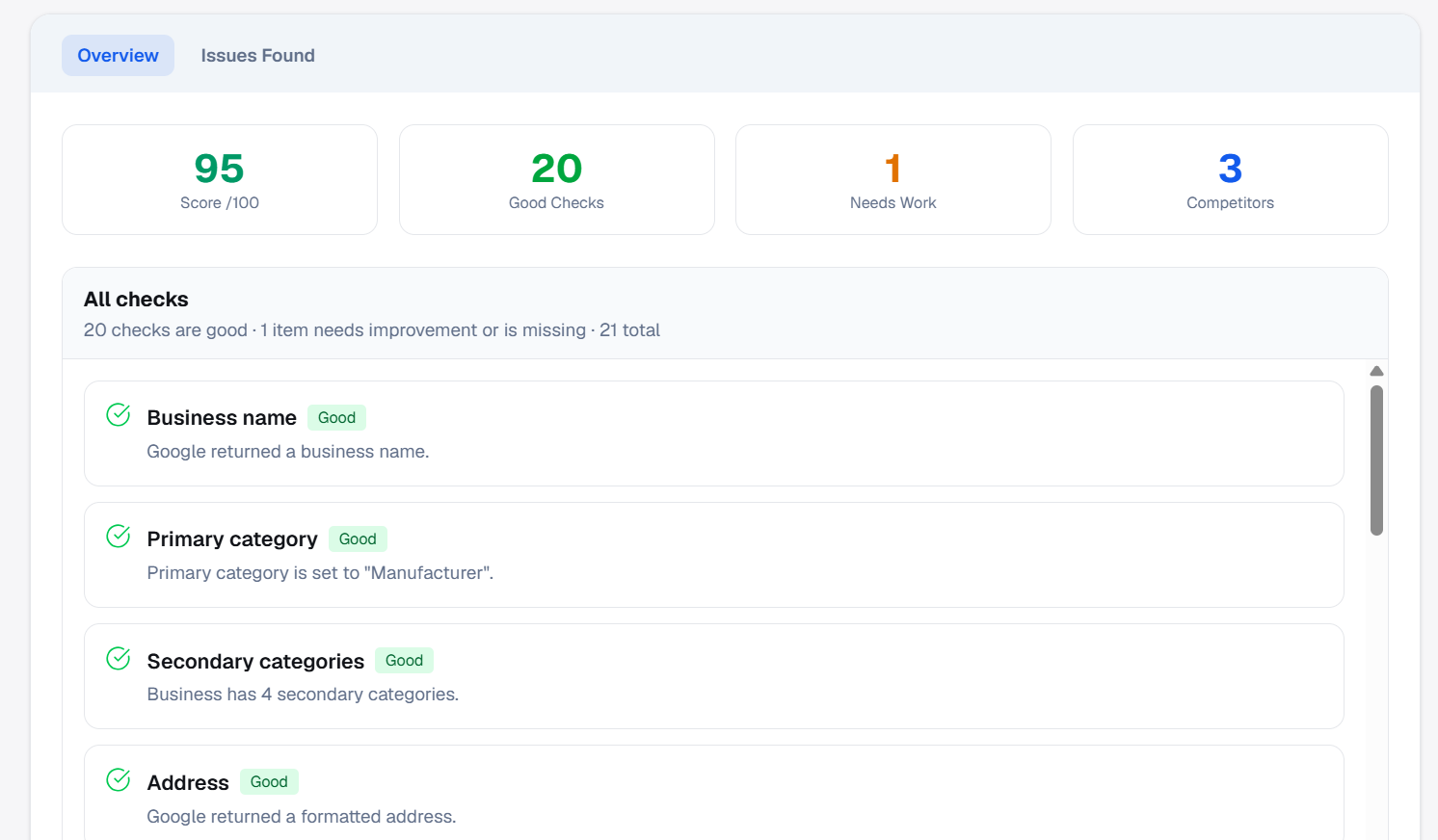
PinAudit analyzes key Google Business Profile ranking factors in seconds to help SEO agencies identify optimization opportunities and improve local visibility.
- check_circle Business category and keyword relevance analysis
- check_circle NAP consistency check (Name, Address, Phone)
- check_circle Review rating and activity insights
- check_circle Profile completeness and optimization checks
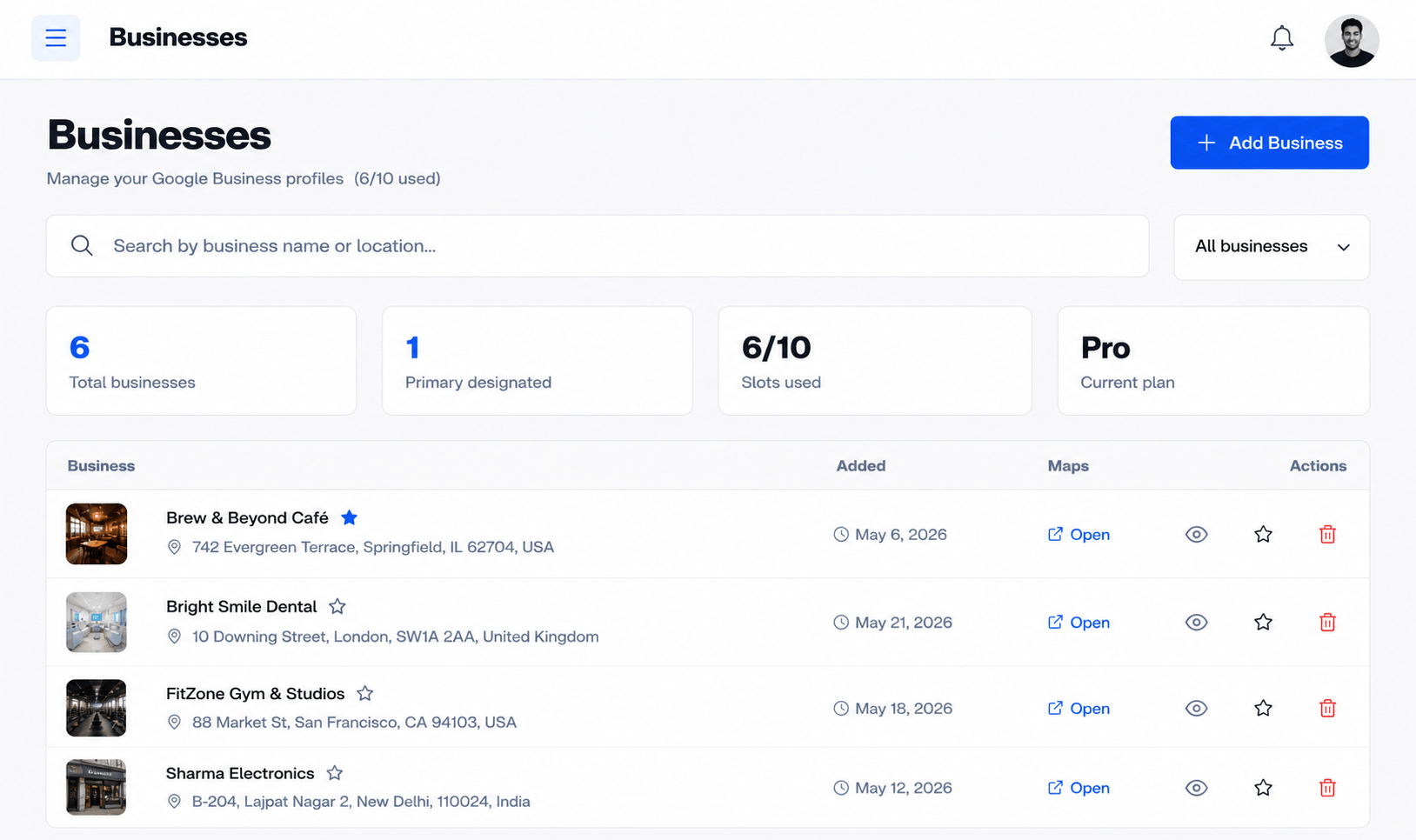
Manage Multiple Business Locations Easily
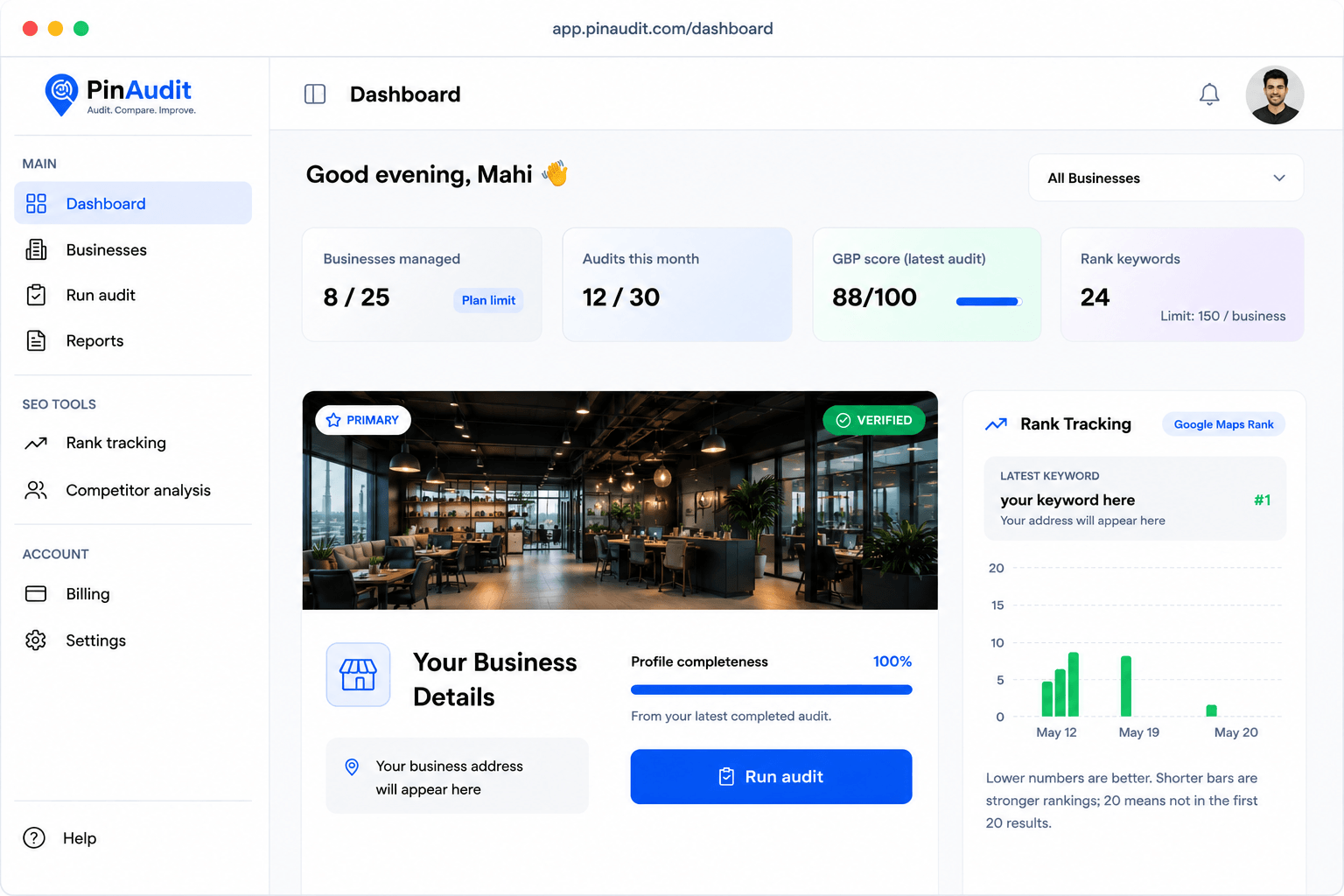
Track and manage multiple Google Business Profiles from a single dashboard. Monitor performance across locations and identify opportunities to improve rankings.
Portfolio Overview
View performance metrics and audit scores across all managed locations.
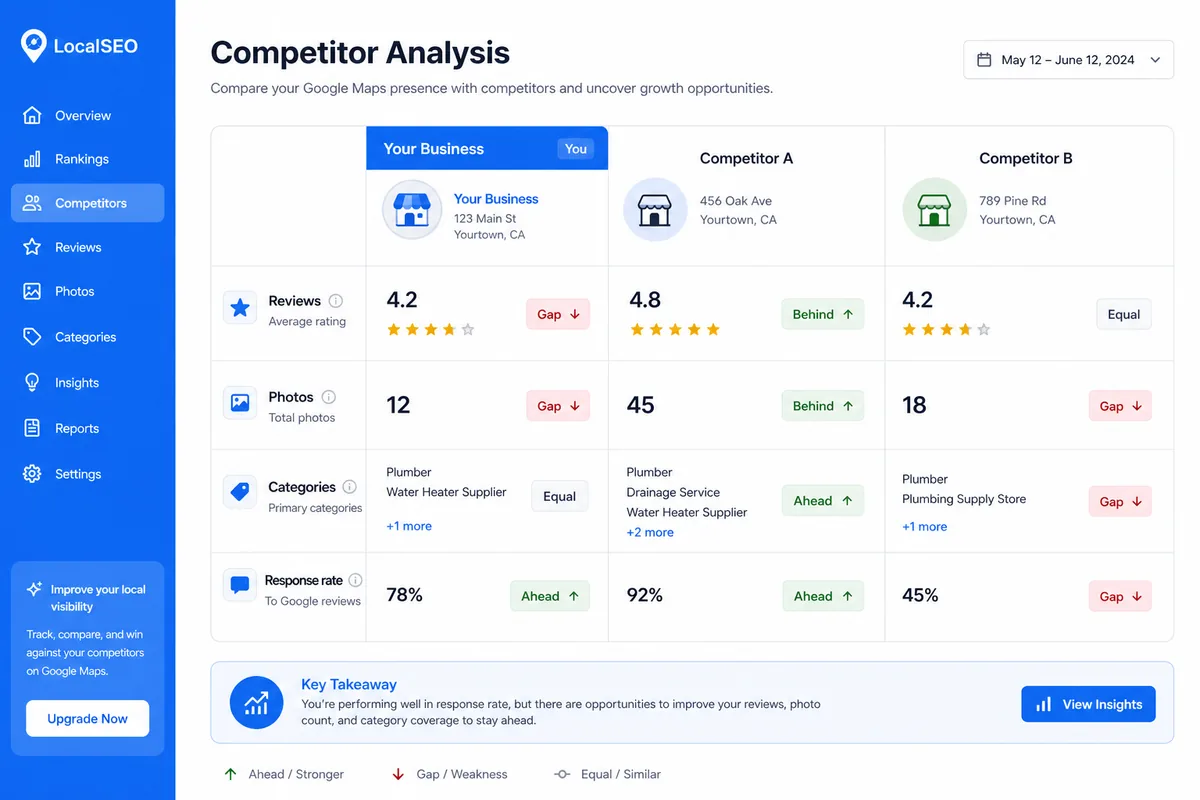
Smart Location Insights
Quickly identify locations that need optimization or ranking improvements.
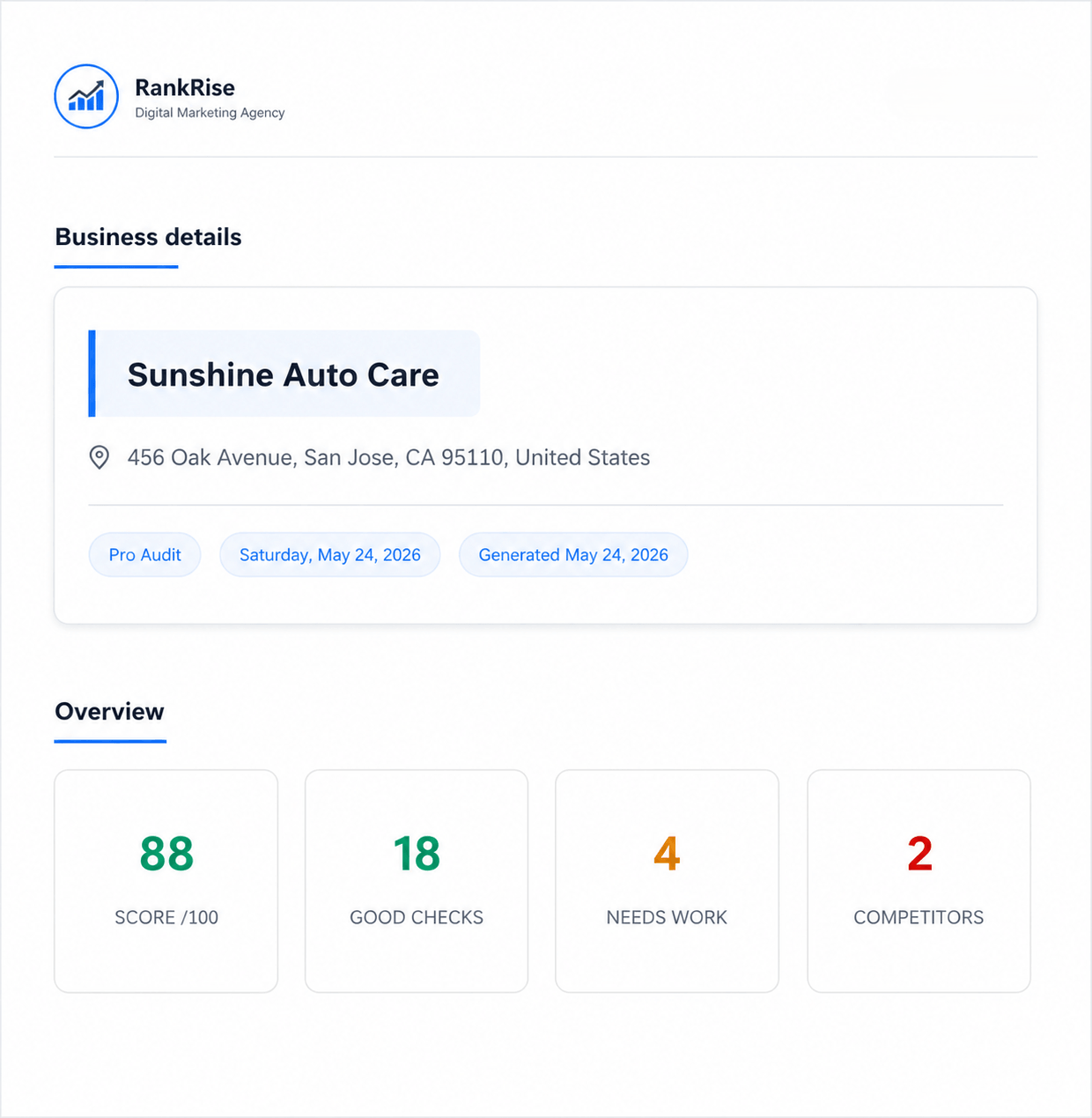
White-Label Google Business Profile Audit Reports
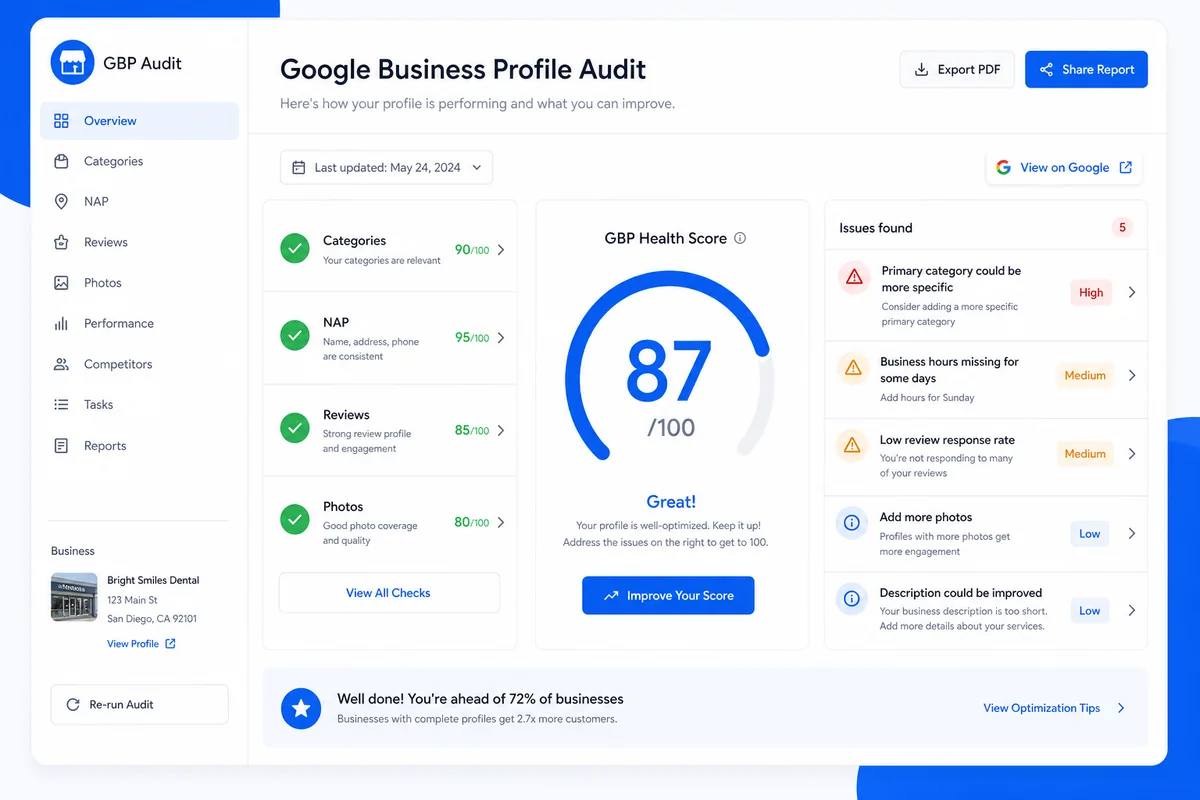
Generate professional client-ready audit reports in seconds. PinAudit creates clear Google Business Profile reports you can share with clients to explain issues, improvements, and ranking opportunities.
Actionable Optimization Checklist
PinAudit doesn't just show problems — it highlights exactly what needs to be improved. Each audit includes a clear checklist of optimization actions to help improve Google Maps rankings.
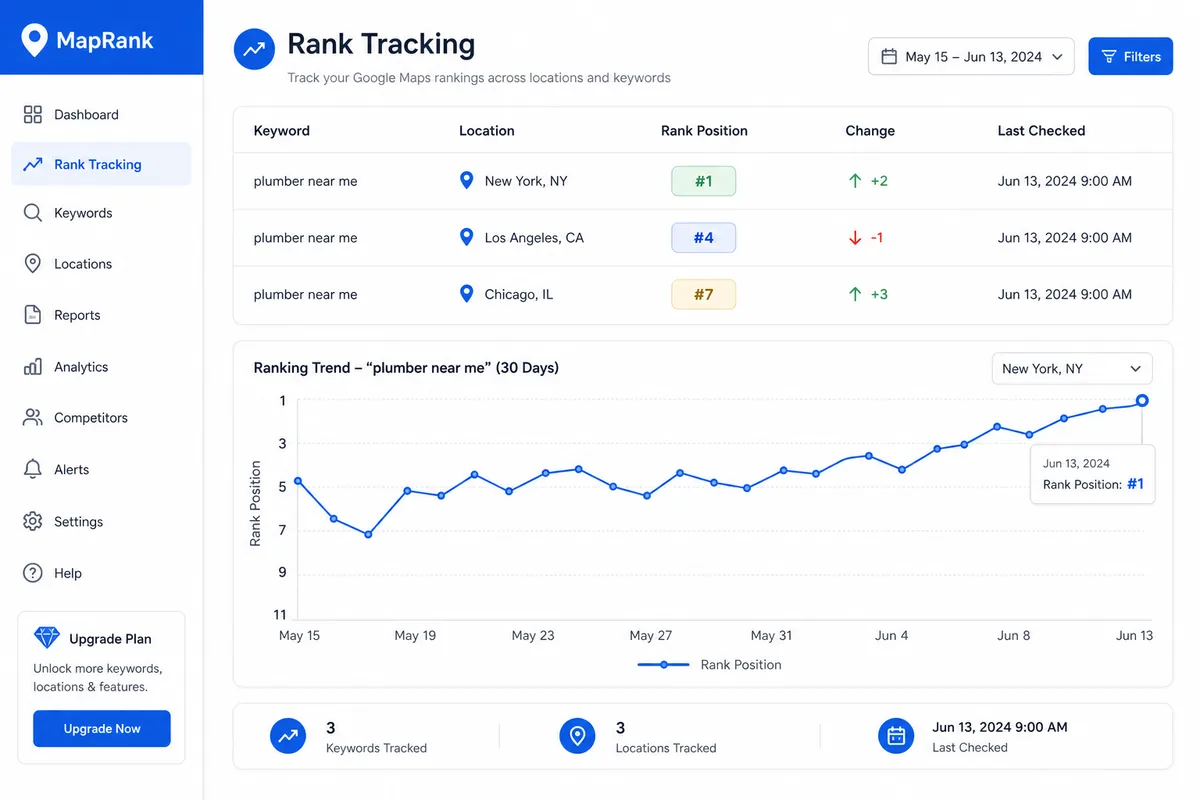
Local Ranking & Performance Insights
Track how Google Business Profiles perform in local search. PinAudit highlights ranking signals, profile optimization gaps, and opportunities to improve visibility in Google Maps.
Manual Audit vs PinAudit
See how automation helps agencies run faster and more consistent Google Business Profile audits.
| Feature | Manual Audit | PinAudit |
|---|---|---|
| Time per Audit | 30–90 minutes | Automated in seconds |
| Scalability | Limited by team size | Run audits for multiple businesses instantly |
| Audit Consistency | Manual checks vary by person | Standardized audit checks |
| Client Reporting | Manual report creation | Instant shareable audit reports |
Seamless Workflow
1. Add Business Profile
Enter a Google Business Profile URL to start the audit.
2. Generate Audit
PinAudit analyzes the listing and identifies optimization opportunities.
3. Share Report
Download or share the audit report with your clients.
Additional PinAudit Features
Audit History
View past audits and track optimization progress.
Rank Tracking Insights
Monitor keyword and local ranking signals.
Optimization Recommendations
PinAudit highlights actions to improve GBP performance.
Client-Ready Reports
Generate professional reports to share with clients.
Google Business Profile audit features — FAQ
What does PinAudit check in a GBP audit?
PinAudit analyzes categories, NAP consistency, reviews, photos, attributes, and key local ranking signals to produce an actionable Google Business Profile audit.
Can I manage multiple client locations?
Yes. You can add and monitor multiple Google Business Profiles from one dashboard, which is ideal for agencies with many locations.
Do you offer Google Maps rank tracking?
Paid plans include local keyword and Maps visibility tracking so you can measure performance alongside your GBP audit results.
Are reports shareable with clients?
You can export PDFs and share secure report links so clients see clear explanations and next steps from each audit.
Scale Your Google Business Profile Audits
Start using PinAudit to audit Google Business Profiles, identify optimization issues, and generate client-ready reports in minutes.
Free plan available • No credit card required