Ranking Issues
Google Business Profile Not Ranking: Why It Happens and How to Fix It
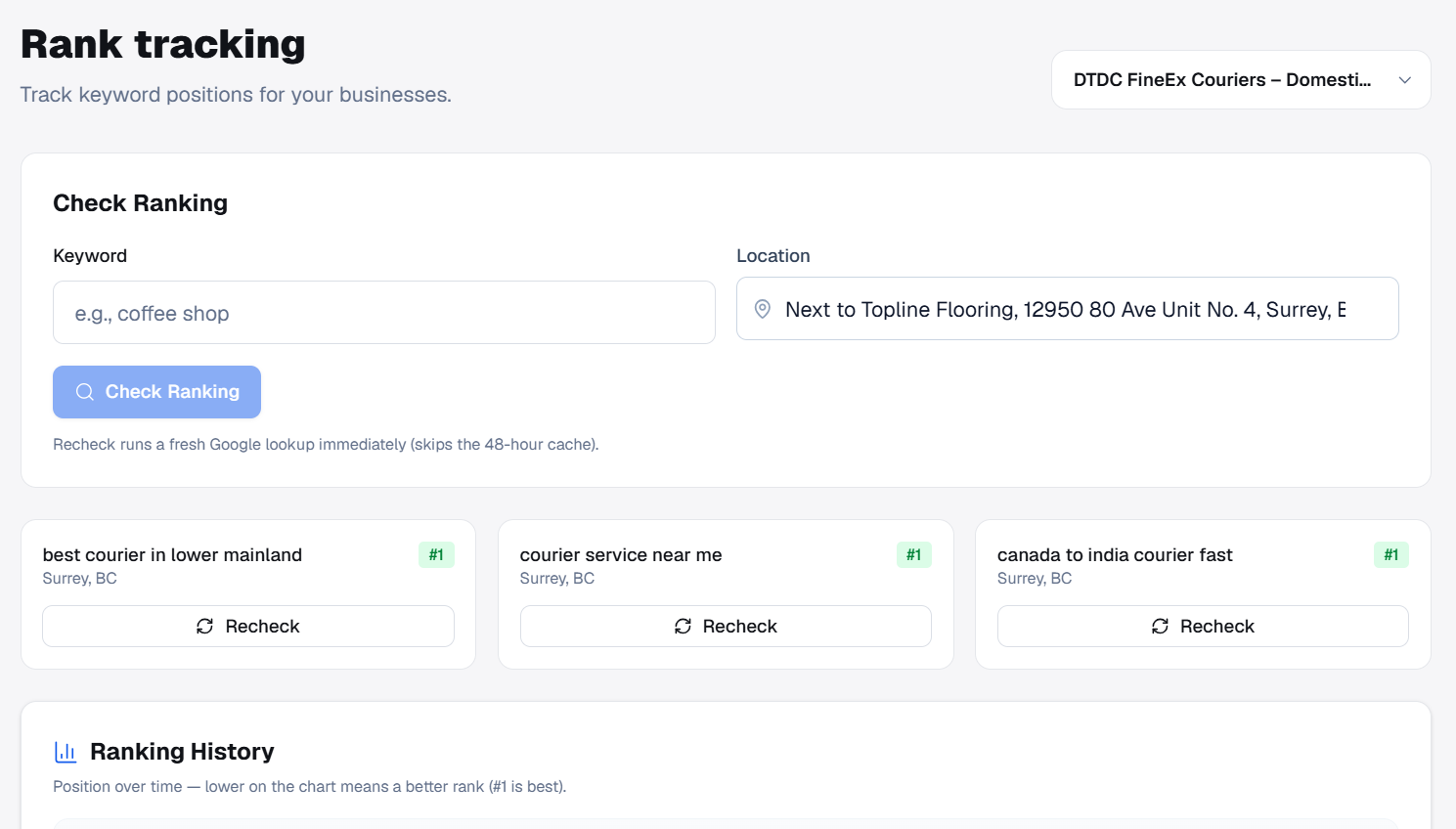
Table of contents expand_more
- What does Google Business Profile not ranking mean?
- Top reasons your Google Business Profile is not ranking
- How to diagnose Google Business Profile not ranking (in order)
- Step-by-step fixes when Google Business Profile is not ranking
- Google Maps visibility issues vs organic local SEO
- How to fix Google Business Profile ranking at scale
- When Google Business Profile not ranking needs expert help
- Final thoughts
If your Google Business Profile not ranking on Maps or in the local pack, you are not alone—and in most cases the listing can improve once you fix the right signals. This guide explains what practitioners mean when a profile is “not ranking,” the most common causes SEO professionals see on client accounts, and a practical fix order you can repeat for every location you manage.
What does Google Business Profile not ranking mean?
Google Business Profile not ranking usually describes one of three problems:
- Maps pack absence — The business does not appear in the top local results (the “map pack” or “local pack”) for important keywords.
- Low Maps visibility — The profile shows for branded searches but rarely for category or service terms that drive new customers.
- Declining positions — You previously ranked and dropped after a competitor update, listing change, review shift, or Google algorithm refresh.
Google controls final placement; no tool can guarantee a #1 Maps position. What you can control is profile quality, relevance, prominence signals, and a consistent audit process—so you know whether Google Business Profile not ranking is a data problem, a competitive gap, or a policy issue.
Top reasons your Google Business Profile is not ranking
When we audit listings for agencies and in-house teams, the same issues appear again and again. Work through this list before assuming the profile is “penalized.”
1. Wrong or weak primary category
Your primary category is one of the strongest relevance signals. A plumber listed as “Contractor,” or a dentist under a vague secondary-only setup, often explains Google Business Profile not ranking for the queries that matter.
- Choose the single best-fitting primary category—how customers describe the business, not internal jargon.
- Add accurate secondary categories for real services.
- Re-check after Google adds new category options (they change over time).
2. NAP inconsistency and listing accuracy
Name, address, and phone (NAP) must match your storefront, website footer, and major directories. Mixed formats—suite numbers, old phone lines, or a DBA that does not match the sign—create trust friction.
- Use one address format everywhere.
- Update hours, holiday hours, and “open now” status before busy seasons.
- Fix the website URL if it redirects to a generic homepage with no local proof.
3. Thin or inactive profile
Profiles with few photos, empty attributes, no posts, and unanswered Q&A look neglected. Competitors with steady uploads and updates often win local pack ranking factors tied to engagement and completeness.
- Upload exterior, interior, team, product, and service images on a schedule.
- Complete every applicable attribute (payments, accessibility, amenities).
- Publish Google posts when you have real offers or news—not spam.
4. Review volume, rating, and replies
Reviews influence prominence. A 3.8-star profile with twelve reviews rarely outranks a 4.6-star competitor with hundreds—especially in competitive metros.
- Reply to every review with a helpful, professional tone.
- Address legitimate complaints publicly; do not buy fake reviews.
- Use ethical follow-up workflows so happy customers can leave feedback.
5. Stronger competitors in the local pack
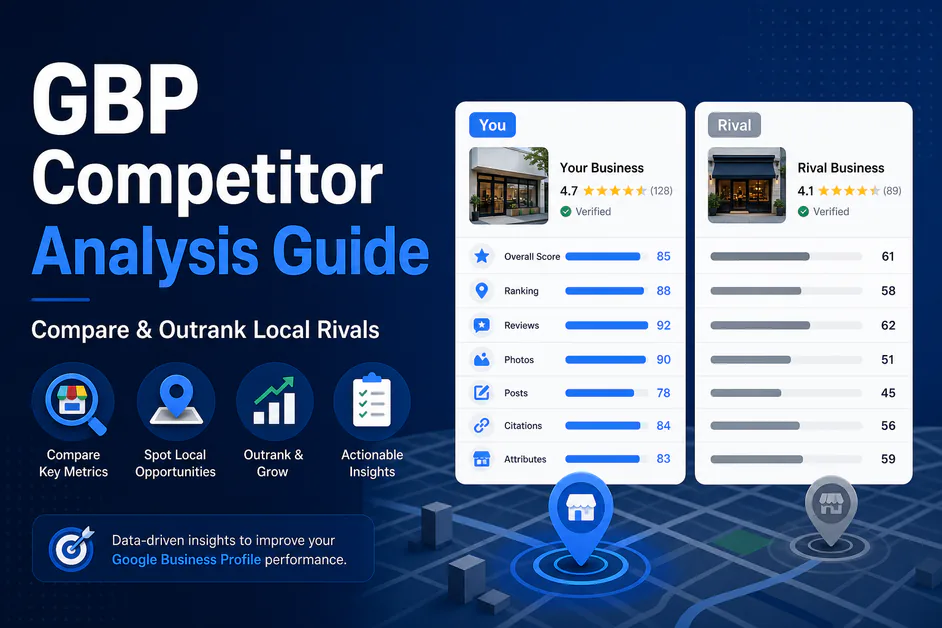
Sometimes the profile is “fine” but still faces Google Maps visibility issues because nearby listings have better categories, more reviews, richer media, or stronger websites supporting the same keywords.
Document who ranks today, what categories they use, and how their review velocity compares. That baseline turns “not ranking” into a measurable gap.
6. Policy, duplicates, and verification problems
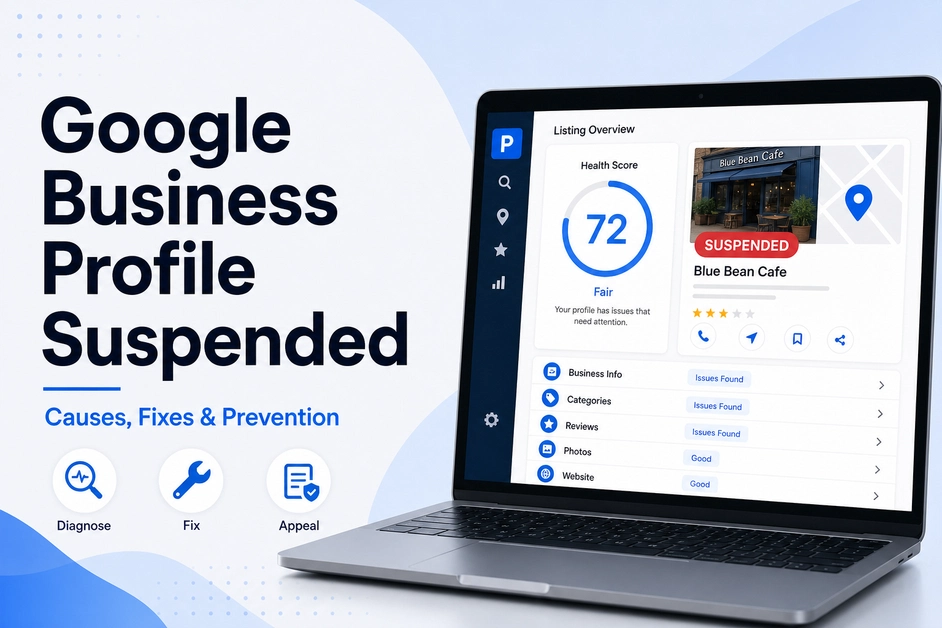
Suspended, unverified, or duplicate listings can disappear from normal local results. Keyword-stuffed business names, virtual offices used against guidelines, or merged duplicates also cause confusion.
- Resolve duplicates in Google Business Profile Manager.
- Keep the public business name aligned with real-world branding.
- Complete verification and fix any policy warnings before heavy optimization work.
7. Service-area and location targeting mistakes
Service-area businesses (SABs) and multi-location brands need realistic geography. An overly wide service area or a pin placed far from the real service zone can dilute relevance and contribute to Google Business Profile not ranking for hyper-local queries.
How to diagnose Google Business Profile not ranking (in order)
Use this sequence so you do not waste weeks tweaking photos when the primary category is wrong.
- Confirm the listing is live and compliant — Verified, not suspended, no unresolved duplicates.
- Search the way customers search — Test category + city, “near me,” and branded terms from a realistic location (or use rank tracking by grid/zip).
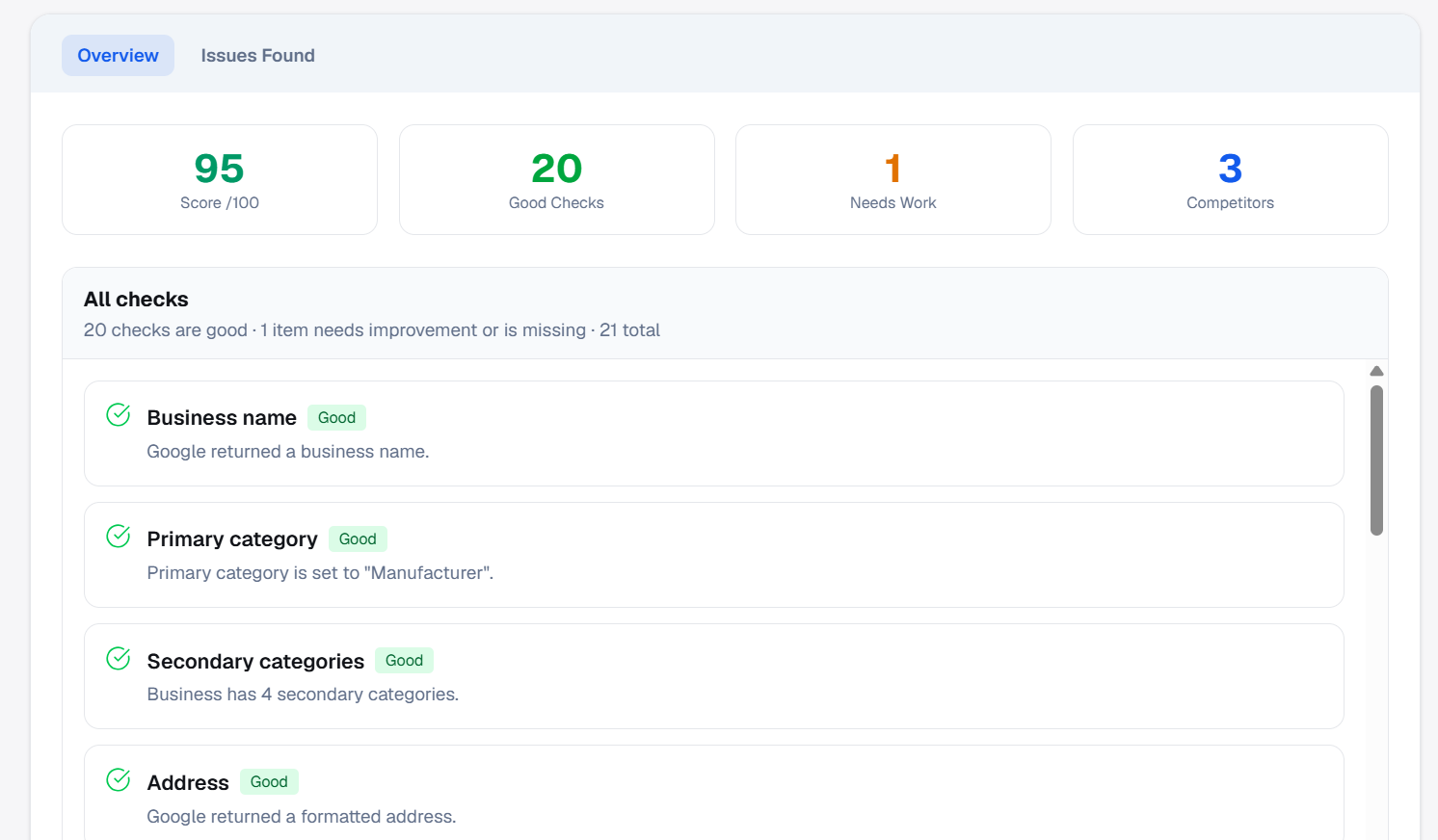
- Run a full GBP audit — Categories, NAP, hours, attributes, photos, posts, Q&A, and website links.
- Benchmark the local pack — Note top three competitors: categories, ratings, review count, photo volume.
- Check off-profile signals — Local landing pages, citations, and backlinks still matter for difficult markets.
- Prioritize fixes — Address compliance and category issues first, then prominence (reviews, photos, posts).
For a field-by-field pass, use our Google Business Profile optimization checklist (2026)—then automate reruns in PinAudit so nothing regresses.
Step-by-step fixes when Google Business Profile is not ranking
After diagnosis, execute in priority order. Skipping steps is how teams chase the wrong lever.
Week 1: Foundation
- Correct primary category and core NAP.
- Complete attributes, services, and accurate hours.
- Remove policy risks (name spam, fake addresses, duplicate profiles).
Week 2–3: Prominence and proof
- Publish a batch of high-quality photos and two to four useful Google posts.
- Seed Q&A with real customer questions and clear answers.
- Launch an ethical review request workflow; reply to all existing reviews.
Week 4+: Measure and iterate
- Re-audit the listing after changes.
- Track target keywords by location on a set schedule.
- Share a client-ready report showing what improved and what is still open.
Google Maps visibility issues vs organic local SEO
Google Maps visibility issues are not identical to traditional organic rankings. A business can rank in the local pack while a service page sits on page three—or the reverse.
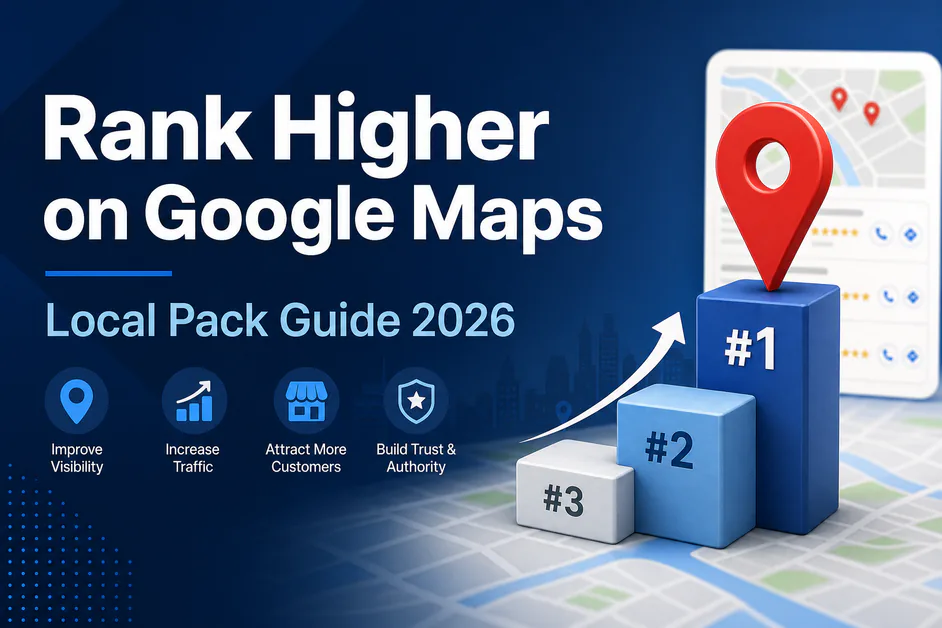
- Maps / local pack — Driven heavily by profile relevance, distance, and prominence (reviews, engagement, completeness).
- Organic local results — Driven more by website authority, content, and links.
When Google Business Profile not ranking persists after a strong profile cleanup, expand work to local landing pages, internal linking, and reputable citations. Treat both channels in your reporting so clients see the full picture.
How to fix Google Business Profile ranking at scale
Agencies and multi-location teams fail when every strategist uses a different checklist. Standardize instead:
- One audit template per location (same categories of checks every time).
- A priority label: critical (compliance/category), high (reviews/NAP), medium (media/posts).
- Shareable report links for stakeholders; PDF exports on paid PinAudit plans for formal client delivery.
- Competitor snapshots on Pro and Agency when you need to justify why the pack leader wins.
New to the product? Read what PinAudit is and how it works, then compare features and pricing for your location count.
When Google Business Profile not ranking needs expert help
Escalate to Google support or a specialized consultant when:
- The listing is suspended or repeatedly edited back by Google.
- You suspect a malicious competitor edit or rogue duplicate.
- Multi-location mergers, acquisitions, or rebrands need a careful GBP architecture plan.
For day-to-day SEO delivery, most Google Business Profile not ranking cases are operational—fix the data, earn prominence, measure, repeat.
Frequently asked questions
Why is my Google Business Profile not ranking?
Google Business Profile not ranking usually stems from weak primary category fit, NAP inconsistency, thin or inactive listings, low review prominence, stronger local competitors, or policy issues such as duplicates or suspension.
Why is my business not showing on Google Maps?
Common causes include an unverified or suspended listing, duplicate profiles, wrong address or service area, weak categories, or low prominence versus nearby competitors. Run a full GBP audit before assuming a penalty.
How long does it take for a Google Business Profile to rank?
Foundation fixes can show signals within days, but review velocity, photo updates, and competitive markets often need several weeks. Re-audit after 30 days and track Maps keywords to measure movement.
Does PinAudit help when Google Business Profile is not ranking?
Yes. PinAudit runs automated GBP audits, surfaces prioritized fixes, offers competitor analysis on Pro and Agency, and tracks Maps keyword positions on paid plans.
What should I fix first on a GBP listing that is not ranking?
Confirm verification and compliance, correct the primary category and NAP, complete attributes and photos, then improve reviews and benchmark the local pack before broader off-profile SEO work.
Final thoughts
Google Business Profile not ranking is a workflow problem as much as an algorithm mystery. Diagnose in the right order, fix compliance and relevance before cosmetic tweaks, benchmark competitors honestly, and track Maps keywords over time. That is how freelancers, consultants, and agencies turn one struggling listing into a repeatable playbook for every client location.
Run a free GBP audit in PinAudit to see what is holding the profile back today.
Tags: Google Business Profile not ranking · GBP ranking issues · local pack · Google Maps visibility · local SEO