Ranking Issues
Google Business Profile Suspended: Causes, Fixes & Prevention
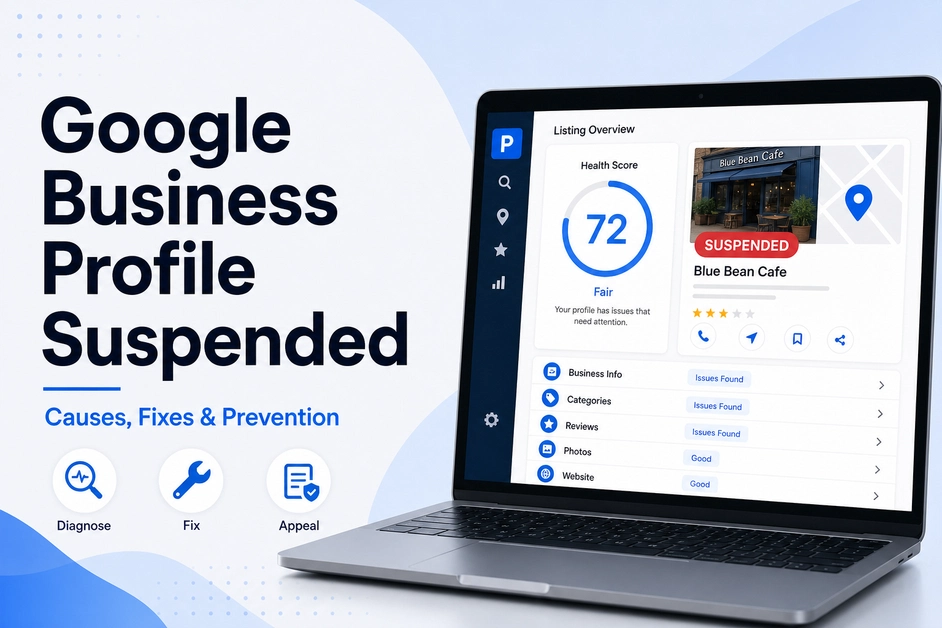
Table of contents expand_more
- How to tell if your Google Business Profile is suspended
- Why was my Google Business Profile suspended?
- How to fix a GBP suspension before you appeal
- How to request Google Business Profile reinstatement
- How do you prevent Google Business Profile suspension?
- What not to do when your GMB is suspended
- Final thoughts
You search your business. The Maps pin is gone. Reviews, photos, hours—none of it shows. That is not a slow week in the local pack. A google business profile suspended listing is a policy action: the public cannot reach the profile, and you cannot manage it until Google says otherwise.
The usual mistake is filing an appeal while the violation is still live. A GBP suspension is recoverable when you diagnose first, clean the listing, then request Google Business Profile reinstatement with matching evidence. This walkthrough shows the causes, the fix order, the appeal, and how to prevent Google Business Profile suspension the next time you edit a field.
Quick Answer: A google business profile suspended profile is hidden from Search and Maps until Google approves an appeal. Typical triggers are a keyword-stuffed name, an ineligible address, duplicates, or a sudden core-field edit. Fix the listing first, attach evidence that matches the name and address, then file through Google’s official appeals tool. Google states reviews can take up to 5 business days. Do not create a new profile while the case is open.
How to tell if your Google Business Profile is suspended
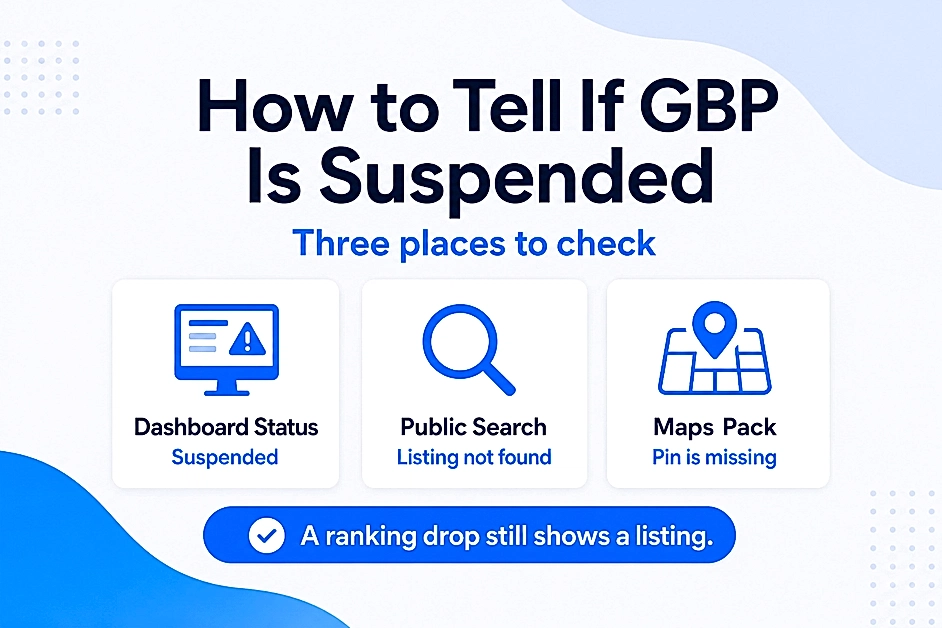
Open Google Business Profile Manager, then search your brand in an incognito window on Search and Maps. If the dashboard says Suspended or Disabled and the public page is missing, treat it as a google business profile suspended case—not a Maps ranking problem.
A GMB suspended profile also blocks posts, review replies, and hour updates. If the listing still appears but will not rank, use our guide on Google Business Profile not ranking instead.
In the first 30 minutes, do this—and nothing else:
- Confirm the status — Screenshot the dashboard message and the public search result.
- Note the last edits — Name, address, phone, category, or new managers in the last 7 days.
- Check for duplicates — Search the exact name and address; extra listings are a common trigger.
- Do not create a new profile — Google treats that as the same problem, not a workaround.
Also separate a profile suspension from an account restriction. If the Google account itself is restricted, profiles you manage can stay down until that account appeal is approved first.
Why was my Google Business Profile suspended?
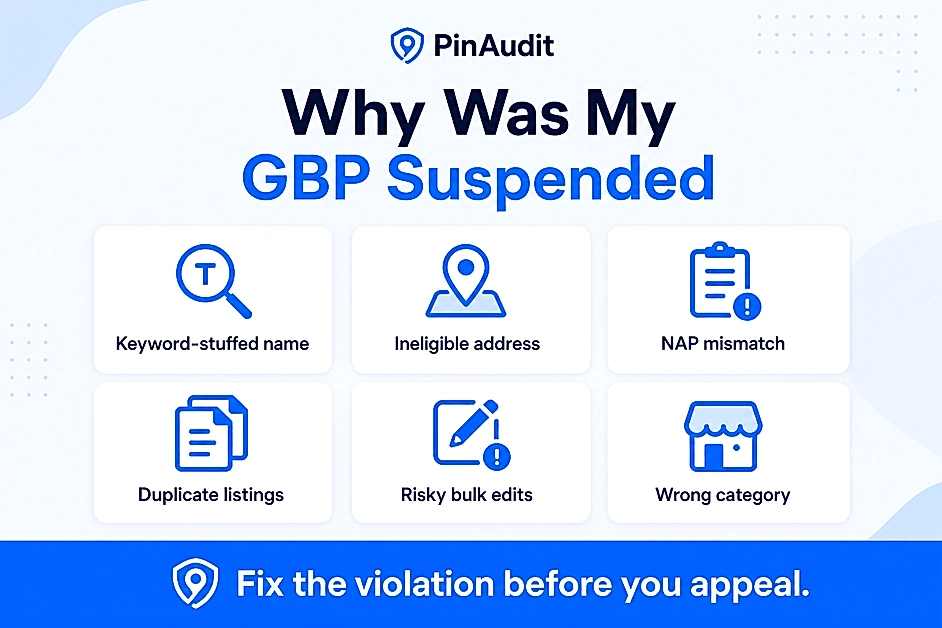
Google rarely points at one checkbox. A google business profile suspended after a name or address change is a clue—start with those fields. Compare the live listing with Google’s Business Profile guidelines before you write a single appeal sentence.
A GBP suspension usually traces to one of these:
| Cause | What it looks like | Fix before you appeal |
|---|---|---|
| Keyword-stuffed name | “Best Plumber Austin 24/7” instead of the storefront name | Use the legal business name customers already know |
| Ineligible address | Virtual office, PO box, mailbox store, unstaffed shared desk | Staffed storefront, or hide the address as a service-area business |
| NAP mismatch | Name, address, or phone disagrees with the website or license | Match documents, website, and profile character for character |
| Duplicate listings | Two profiles for the same location or brand | Close or mark extras as duplicates; keep one eligible profile |
| Risky bulk edits | Sudden name, pin, phone, and manager changes together | Revert policy-breaking edits; remove unknown owners |
| Misleading category | Primary category you do not actually offer | Set the category customers use for the real service |
Storefronts need a real location customers can visit. Service-area businesses should hide an ineligible address and set a realistic coverage area. Either way, skip slogans packed with cities and “best.”
How to fix a GBP suspension before you appeal
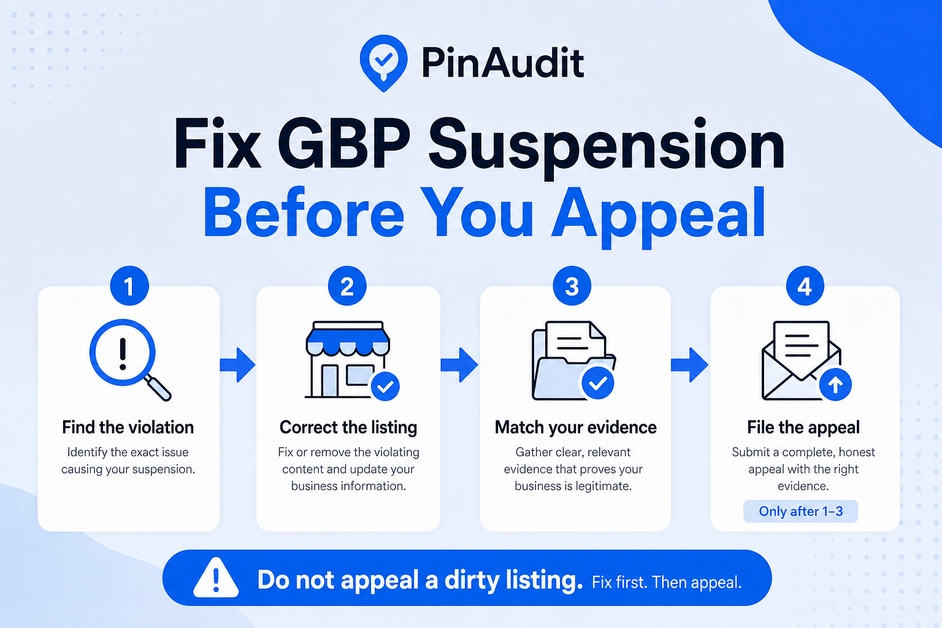
A google business profile suspended listing stays down until Google approves reinstatement. Filing first and cleaning later is how teams collect a second denial. Fix first, then request Google Business Profile reinstatement.
- Name — Remove keywords, cities, and taglines. Match the sign, invoices, and registration.
- Address and business type — Storefront vs service-area must match how you actually serve people.
- Phone and website — Same number and URL as the site footer and major citations.
- Category and services — Accurate primary category; drop services you do not provide.
- Access — Unknown managers off. One owner you can reach for the appeal email.
- Evidence pack — License, registration, tax certificate, and a recent utility bill where the name and address match the profile.
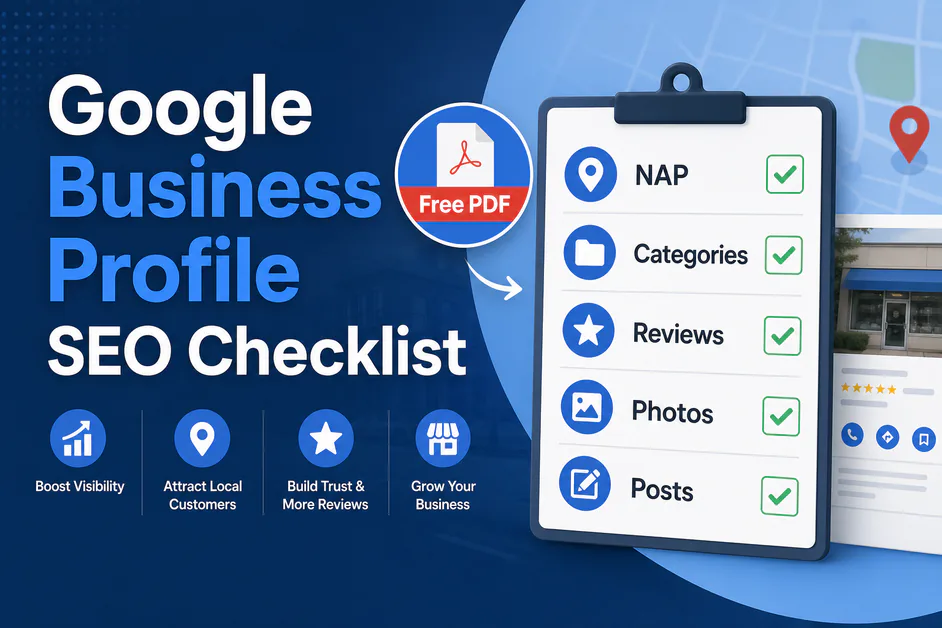
Run a structured pass with a google business profile audit so you are not guessing which field is still dirty. After you are live again, use the google business profile seo checklist to rebuild completeness without stuffing the name.
How to request Google Business Profile reinstatement
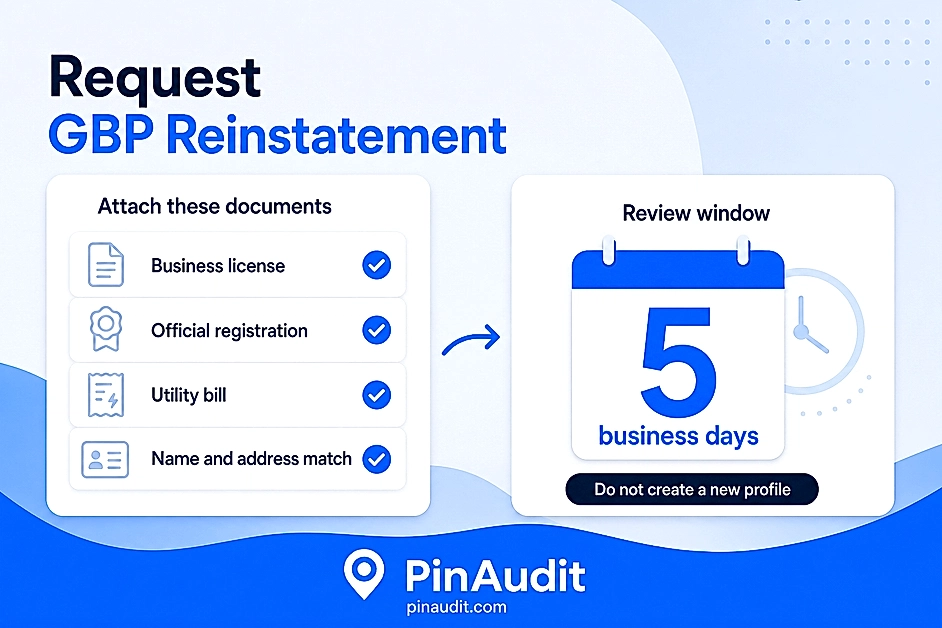
Use Google’s official flow only. This is the path for a google business profile suspended case. The help article Fix suspended or disabled profiles is the source of truth for the appeals tool, evidence types, and status labels.
- Sign in with the Google account that owns or manages the listing.
- Open the appeals tool, select the restricted profile, and read the policy shown.
- Submit the appeal in plain language: what was wrong, what you changed, why the business is eligible.
- If prompted, upload evidence. Google says that form must be finished within 60 minutes—have files ready before you start.
- Wait. Check status in the tool (Submitted, Approved, Not Approved). Do not stack a second appeal for the same issue while the first is open.
Useful evidence is boring and consistent: official registration, a business license, tax certificates, and utility bills (electricity, phone, water, internet). Every document should show the same name and address as the profile under appeal. A pristine license with a different trading name helps less than a plain bill that matches.
If GMB suspended and the Google account is also restricted, appeal the account first, then the profile. Creating another listing while the case is open is the fastest way to make Google Business Profile reinstatement harder. Google states a decision can take up to 5 business days; complex cases take longer. If the request is denied, you can request an additional review with evidence you did not attach the first time.
How do you prevent Google Business Profile suspension?
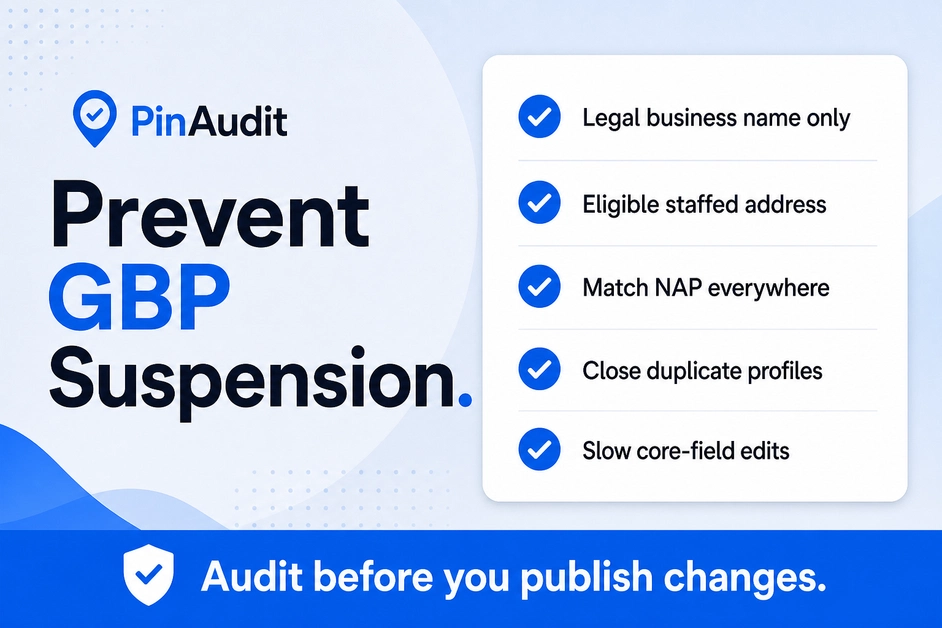
The cheapest recovery is the one you never need. To prevent Google Business Profile suspension, treat name, address, phone, and category edits as policy work—not SEO tricks.
- Use the legal or storefront name only—no city, service, or “best” add-ons.
- Keep an eligible, staffed address—or hide it correctly as a service-area business.
- Match NAP on the website, invoices, and major citations before you publish.
- Close duplicate profiles instead of “just making a new one.”
- Change one core field at a time. Wait for it to stick before the next.
- Remove contractors and old staff from manager access when the job ends.
PinAudit does not unsuspend listings. Google does. What an audit can do is flag incomplete NAP, weak categories, and other health issues before the next round of edits. After reinstatement, rerun a Google Business Profile optimization checklist and keep a monthly cadence so a GMB suspended event is less likely to repeat. See PinAudit features and pricing if you manage this for clients.
What not to do when your GMB is suspended
When you see google business profile suspended, panic creates new policy problems. Skip these:
| Don’t | Do instead |
|---|---|
| Create a second listing “just in case” | Keep one profile and wait for the appeal decision |
| Appeal while the name or address is still wrong | Correct the listing, then file once |
| Spam a second appeal the next morning | Watch status; add evidence only if Google asks or after a denial |
| Buy a “guaranteed reinstatement” package with no diagnosis | Fix the cause, attach matching documents, use Google’s tool |
| Keyword-stuff the name again after you are live | Rank with category, reviews, and photos—not the title field |
If Maps visibility is still weak after you are reinstated, go back to ranking work—not another risky name edit. Read how PinAudit works if you want a repeatable audit after the listing returns.
AI Quick Answer: A google business profile suspended listing is hidden from Search and Maps until Google approves an appeal. Fix the cause of the GBP suspension first (name, address, duplicates, or ineligible location), then request Google Business Profile reinstatement with matching evidence through Google’s official appeals tool. To prevent Google Business Profile suspension, keep a policy-safe name and NAP, avoid duplicates, and slow down core-field edits. PinAudit can audit listing health after a GMB suspended event; it cannot override Google’s decision.
Frequently asked questions
How do you tell if your Google Business Profile is suspended?
Open Google Business Profile Manager and search your brand in an incognito window on Search and Maps. If the dashboard says Suspended or Disabled and the public page is missing, treat it as a suspension—not a ranking drop. Do not create a duplicate listing while the case is open.
Why was my Google Business Profile suspended?
Common triggers include keyword-stuffed business names, ineligible addresses, NAP mismatches, duplicate listings, risky bulk edits, and misleading categories. Compare the live listing with Google’s Business Profile guidelines and fix the likely cause before you appeal.
How do you fix a GBP suspension before appealing?
Correct the business name, address type, phone, website, category, and manager access first. Build an evidence pack where documents show the same name and address as the profile. Appealing while the violation is still live is the most common path to a second denial.
How do you request Google Business Profile reinstatement?
Use Google’s official appeals tool with the account that owns the listing. Explain what was wrong, what you changed, and why the business is eligible. Attach matching registration, license, tax, or utility evidence. Google states reviews can take up to 5 business days.
How do you prevent Google Business Profile suspension?
Use the legal business name only, keep an eligible address or hide it correctly for service-area businesses, match NAP everywhere, close duplicates, change one core field at a time, and remove old manager access. Run regular GBP audits to catch policy risks before you publish edits.
Final thoughts
A suspended listing is a compliance problem first and an SEO problem second. Diagnose the trigger, clean the profile, file one complete appeal, then lock in habits that prevent Google Business Profile suspension on the next edit. That order is slower than a panic click—and it is how most recoverable cases actually come back.
PinAudit — Google Business Profile audit software for freelancers, consultants, and agencies.
PinAudit does not reinstate listings; it helps you audit health before and after a suspension.
Email: support@pinaudit.com
Web: pinaudit.com · App: app.pinaudit.com
Features · Pricing · Contact us
Tags: google business profile suspended · GBP suspension · Google Business Profile reinstatement · GMB suspended · prevent Google Business Profile suspension