Optimization
Google Business Profile Optimization Checklist (2026)
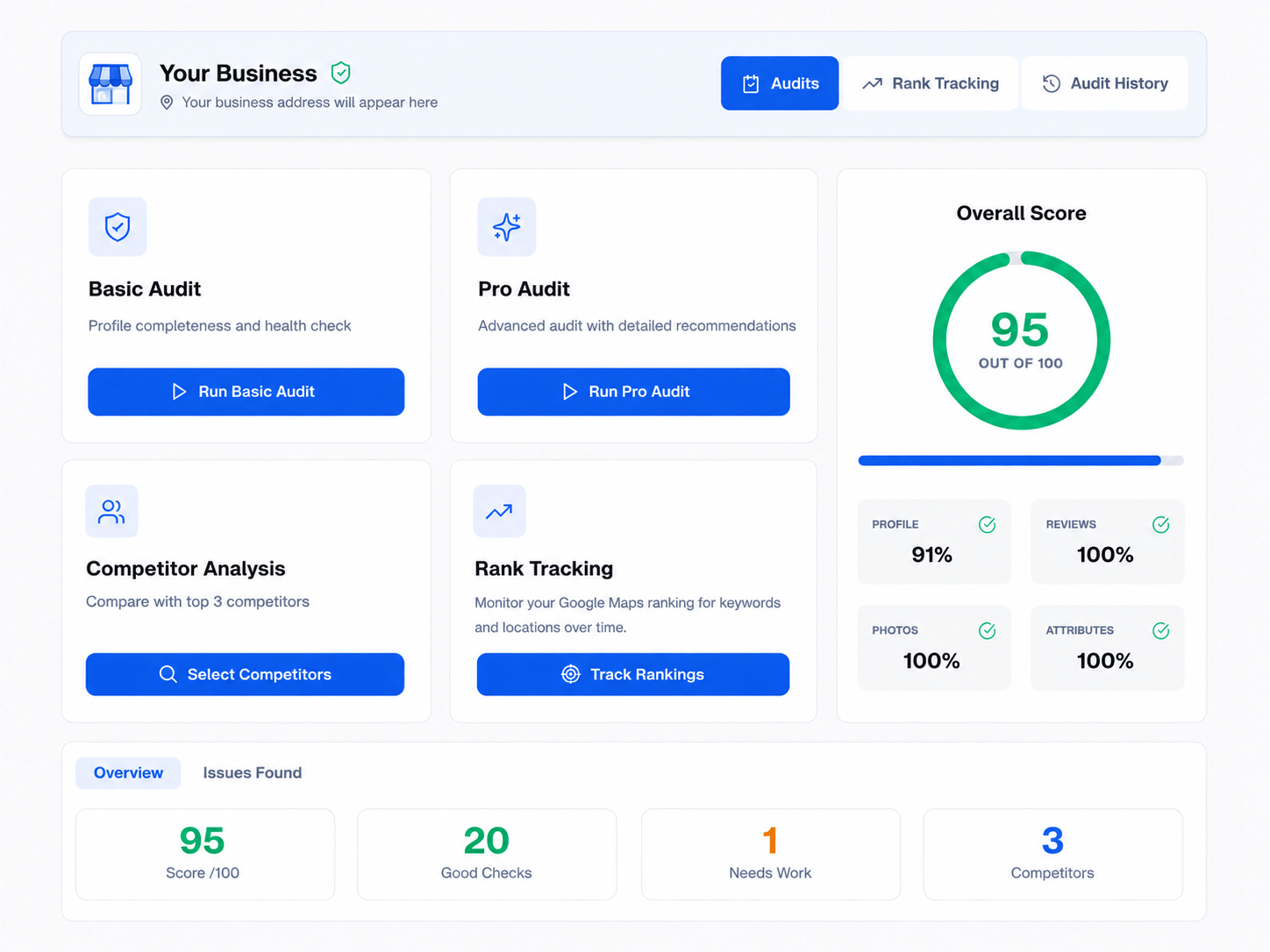
Table of contents expand_more
Optimizing your Google Business Profile (GBP) is the backbone of local visibility. Use this checklist on every location you manage—then automate the same checks in PinAudit so nothing slips through as you add clients. Compare best Google Business Profile audit tools if you are choosing software for your team.
1. Core business information
Your name, address, and phone should match your storefront, website, and how customers know you.
- Use one consistent address format (avoid mixing "St." and "Street").
- Keep hours, phone, and website URL complete and current.
- Confirm the business name matches real-world branding—no keyword stuffing.
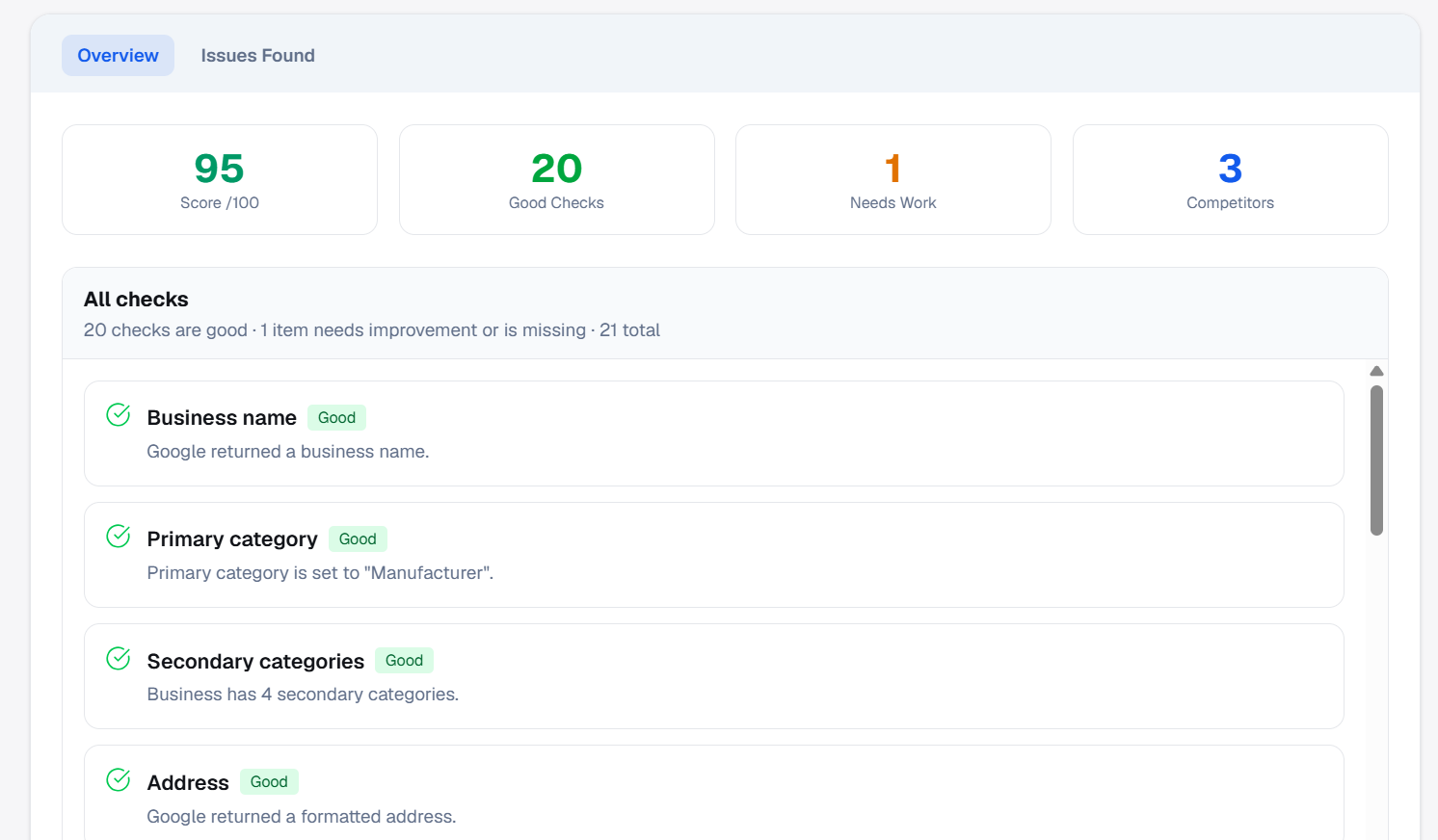
2. Categories and services
Choose the best primary category and add secondaries that reflect real services—not stuffed keywords.
Google may surface different categories in different contexts; think like a customer searching for you.
3. Photos and posts
High-quality, location-relevant images outperform blurry uploads.
- Add photos on a steady cadence (exterior, interior, team, products).
- Use Google posts for offers, updates, and proof the business is active.
4. Attributes, hours, and service area
Complete every attribute that applies: payments, accessibility, amenities, and services.
- Keep regular and special hours accurate.
- For service-area businesses, set a realistic area so you rank for the right queries.
5. Reviews and Q&A
Reply to reviews quickly and professionally. Seed Q&A with real questions and clear answers.
Negative reviews are a chance to show empathy and how you fix problems—do not ignore them.
6. Measure and report
Run the same audit monthly (or after major listing changes). On PinAudit, Starter and above include shareable report links and PDF export for client delivery.
If the profile is not showing on Maps, read our guide on Google Business Profile not ranking. New to PinAudit? Read what PinAudit is and how it works, then explore features and pricing.
Frequently asked questions
What should be on a Google Business Profile checklist?
A complete GBP checklist covers business information, categories, photos, posts, attributes, hours, reviews, Q&A, and reporting—the six sections in this 2026 optimization guide.
How often should you audit your Google Business Profile?
Audit after major listing changes, quarterly for active accounts, or monthly in competitive categories. Repeatable checks matter more than a one-time pass.
What is the most important part of Google Business Profile optimization?
Primary category accuracy and complete, trustworthy NAP usually come first, followed by reviews, photos, and attributes—but the right order depends on what your audit flags as missing.
Can PinAudit automate this Google Business Profile checklist?
Yes. PinAudit runs the same structured checks per business, with shareable report links and PDF export on Starter and above.
Does this checklist work for multi-location brands?
Yes. Run it per location; PinAudit scales to plan limits (up to 20 businesses on Agency) and keeps audits consistent across your team.
Final thoughts
This Google Business Profile optimization checklist is your field guide—run it per location, automate reruns in PinAudit, and share results clients can act on without rebuilding slides every month.
Tags: Google Business Profile · GBP checklist · local SEO · Maps optimization · listing audit