Product Guide
What is PinAudit and How It Works (Complete Guide)
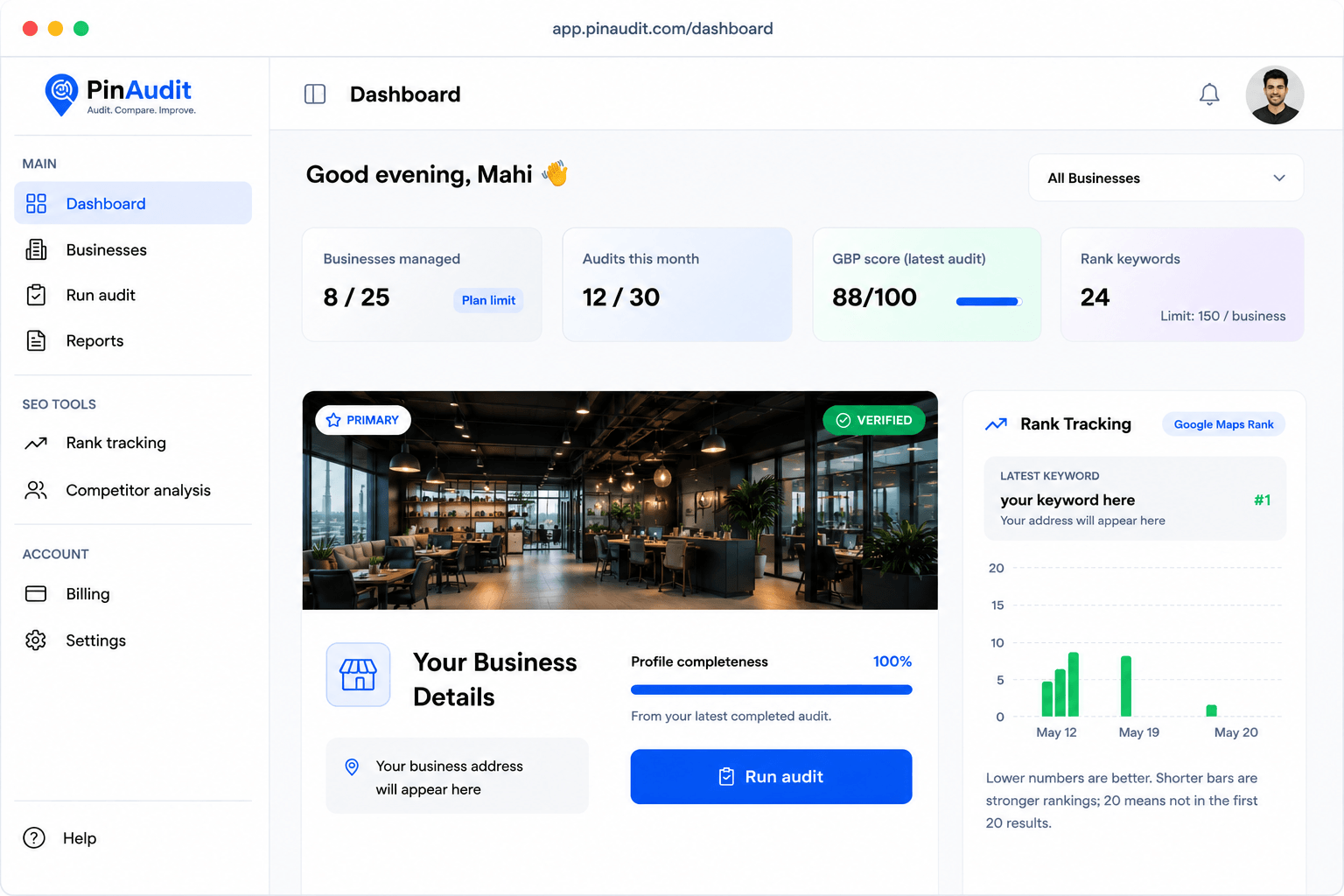
Table of contents expand_more
If you manage local visibility for clients or your own brand, a lot depends on Google Business Profile (GBP). PinAudit is a Google Business Profile audit tool that helps you run consistent checks, track Maps rankings on paid plans, and deliver client-ready reports—without manual spreadsheets. See how we compare in our guide to the best Google Business Profile audit tools. This guide explains what PinAudit is, who it is for, and how the product works from signup to delivery.
What is PinAudit?
PinAudit is a Google Business Profile audit tool and local SEO platform built for repeatable workflows.
After you add a business, PinAudit analyzes signals that influence Maps and the local pack:
- Categories, hours, and core business information
- Reviews, photos, attributes, and listing completeness
- Pro audits from Starter; competitor insights and AI on Pro and Agency
- Keyword rank tracking on Starter, Pro, and Agency
Why use a dedicated GBP audit tool?
Manual audits do not scale. When you review listings by hand, items get missed, playbooks drift between teammates, and reporting takes hours.
- Incomplete data — Wrong categories, missing hours, or outdated services.
- Weak local signals — Thin photos, unanswered reviews, or empty Q&A.
- Client reporting — Stakeholders want proof; screenshots are hard to standardize.
- Multi-location work — Each location adds another full checklist.
How PinAudit works (step-by-step)
- Sign up. Create an account at app.pinaudit.com. The Free plan needs no credit card.
- Choose a plan. Free, Starter, Pro, or Agency—Starter, Pro, and Agency include a 7-day free trial.
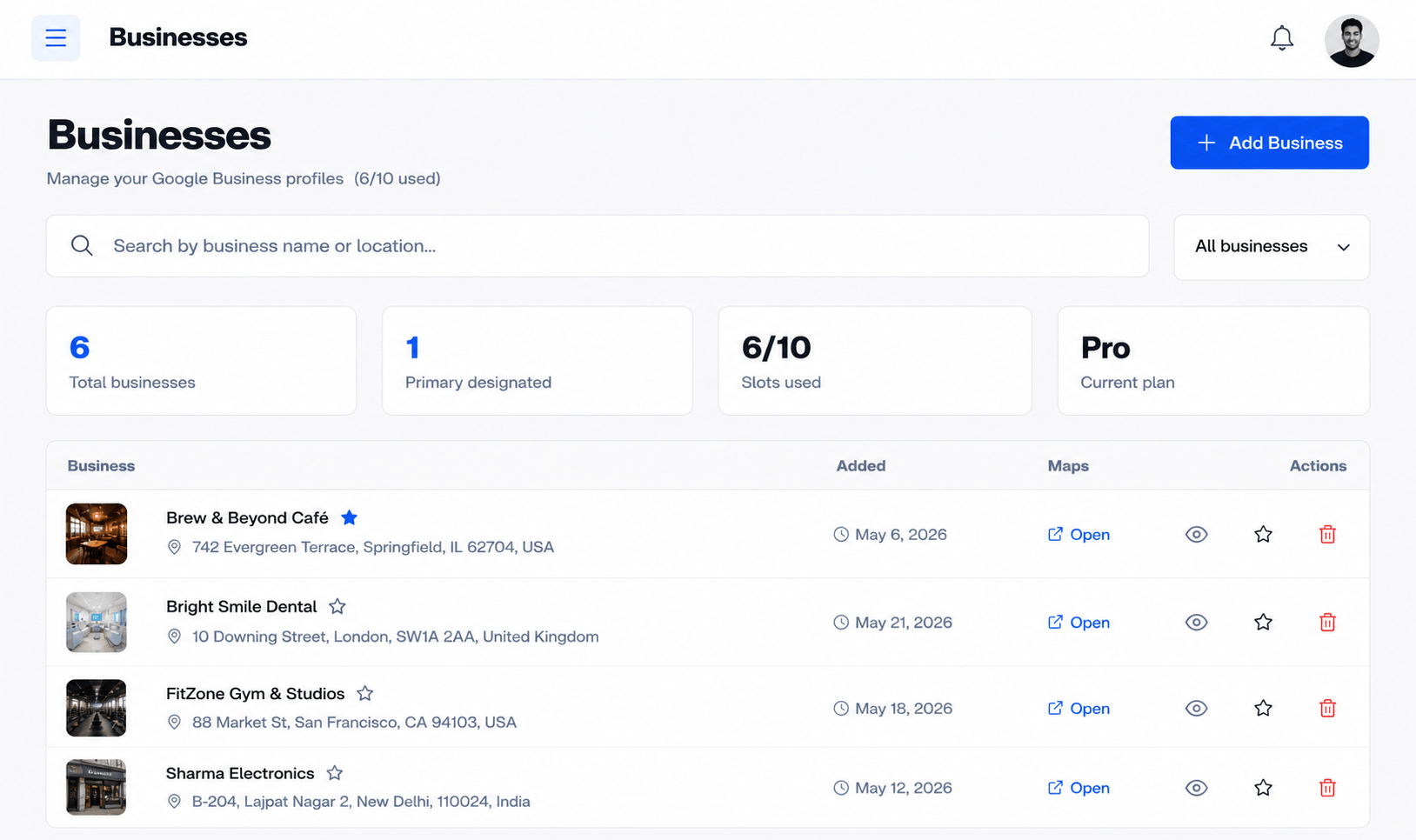
- Open your dashboard. Manage every business, audit, and report from one place.
- Add a business. Connect the Google Business Profile you want to audit.
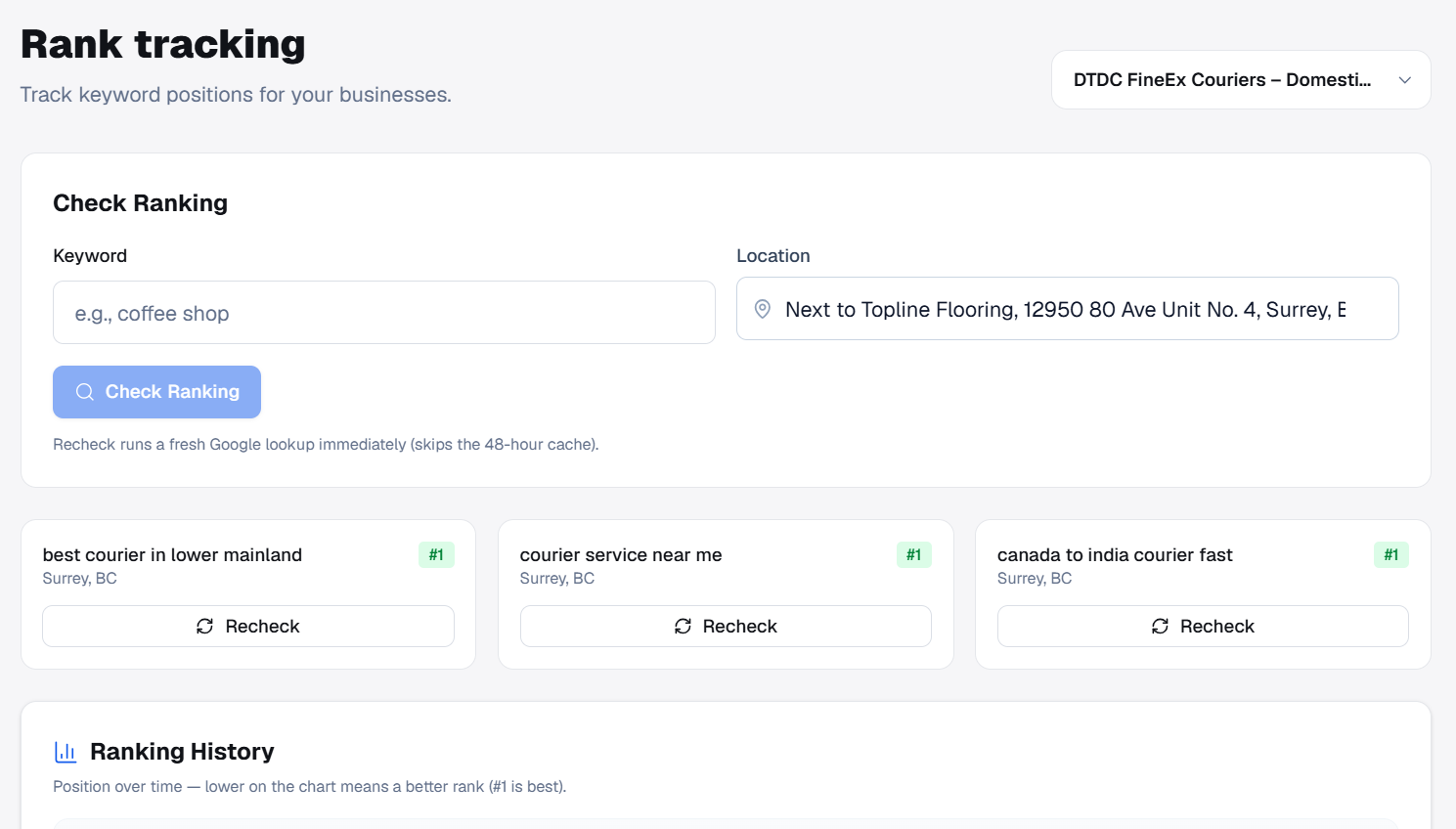
- Run audits and tracking. Basic audits on all plans; Pro audits from Starter; competitor analysis and AI on Pro and Agency; rank tracking every 15 days on paid plans.
- Share or export. Shareable report links on Starter+; PDF exports on Starter+; white-label reports on Agency.
See the latest limits on pricing and a visual walkthrough on how it works.
Key features by plan
- Free — 1 business, 3 audits per business, basic GBP audit, profile health score.
- Starter ($29/mo) — 3 businesses, 10 audits per business, 10 keywords, Pro audits, rank tracking every 15 days, PDF and shareable links.
- Pro ($49/mo) — 10 businesses, 15 audits per business, 15 keywords, 2 seats, competitor analysis, AI recommendations.
- Agency ($99/mo) — 20 businesses, 20 audits per business, 20 keywords, 3 seats, white-label reports, priority support.
Who should use PinAudit?
Freelancers and consultants deliver polished audits without rebuilding templates every time.
SEO professionals and agencies standardize quality across many client profiles.
In-house teams keep multi-location listings aligned and report progress clearly.
Try PinAudit
Explore features, compare plans, then start free or begin a paid trial when you need more locations and exports.
Frequently asked questions
What is a Google Business Profile audit tool?
A GBP audit tool automatically checks listing completeness, categories, reviews, photos, and local signals—then produces scores and recommendations you can share with clients.
How do you audit a Google Business Profile?
Add the business, run automated checks on categories, NAP, hours, media, and reviews, prioritize fixes, then rerun after changes and track Maps rankings over time.
Is Google Business Profile free to use?
Claiming and managing a Google Business Profile is free. Audit tools like PinAudit are separate products—PinAudit has a free plan for one business with basic audits; shareable links and PDFs start on Starter.
Does PinAudit include rank tracking and competitor analysis?
Rank Tracking is available on Starter, Pro, and Agency. Competitor Analysis—benchmarking nearby listings—is on Pro and Agency. Every plan includes automated GBP Audit.
Who is PinAudit built for?
Freelancers, consultants, SEO professionals, agencies, and in-house teams who manage Google Business Profiles and need repeatable audits and client-ready reporting.
Final thoughts
PinAudit exists to make Google Business Profile audits faster, clearer, and easier to share. Measure what matters, fix what matters most, and prove the impact—with a workflow built for local SEO professionals.
Tags: PinAudit · Google Business Profile · GBP audit · local SEO · GMB audit tool