Optimization
Google Business Profile SEO Checklist
Table of contents expand_more
A half-finished listing loses calls while complete profiles show up first. This page is the scorecard: eight sections you mark Done, Partial, or Missing on every location.
It is not a downloadable PDF, and it is not the definition of a finished field. The optimization checklist is that standard. The step-by-step audit is the process for running the review.
Score verification, NAP, categories, services, photos, posts, reviews, and Q&A as Done, Partial, or Missing. Fix Critical rows before photos and posts. Print the page for your own notes if you want a paper copy. Client-ready PDFs come from PinAudit on Starter and above, not from a file on this page.
What is a Google Business Profile SEO checklist?
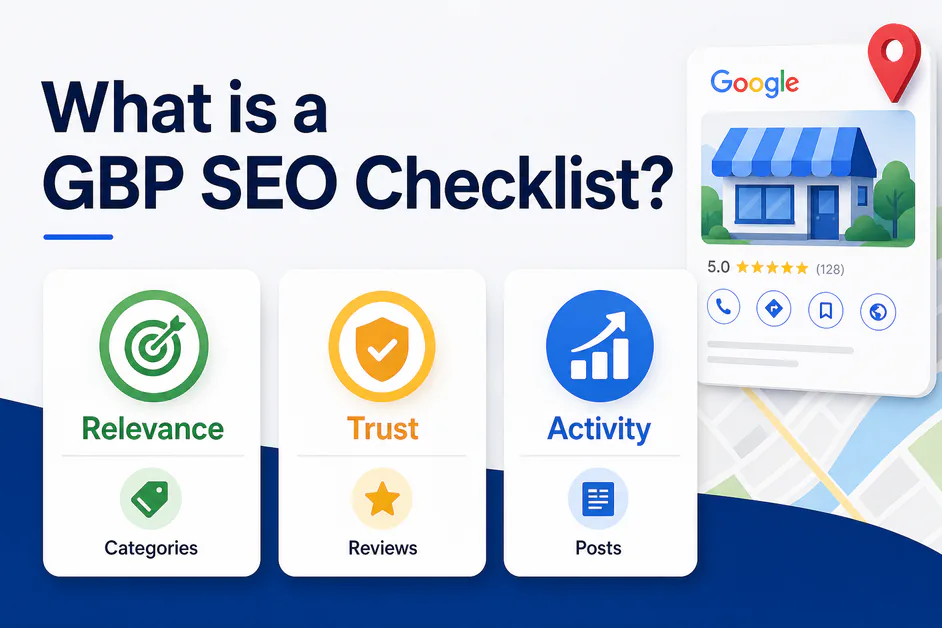
The scorecard stays on the profile customers see on Search and Maps. It is not a website SEO audit, and it does not explain the pass bar for every field. Use the optimization checklist when a row is Partial and you need to know what Done requires. Use the audit process when you are running the review with a client.
The scorecard: eight sections
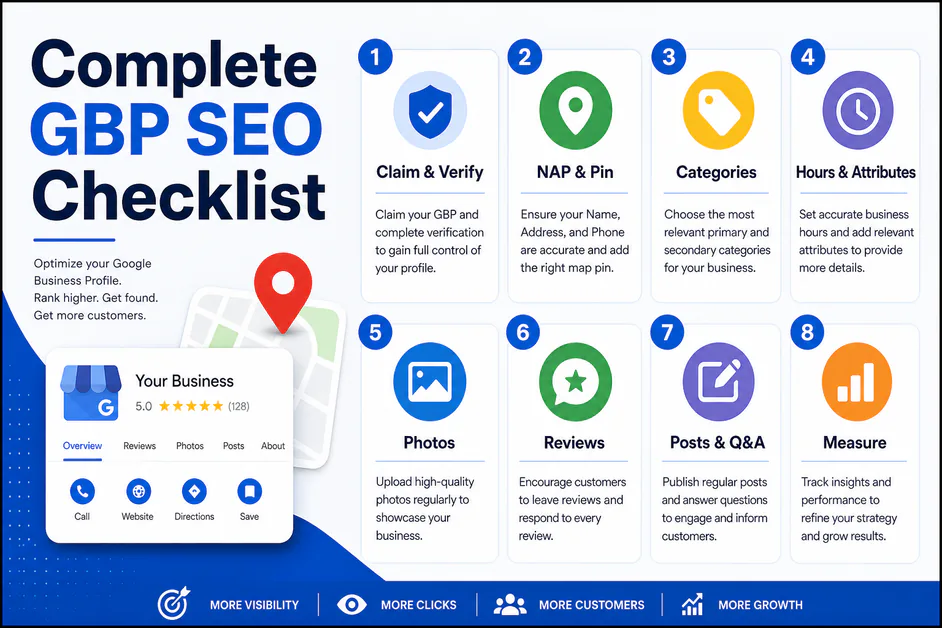
Use this GBP SEO checklist for every location you manage. Mark each row Done, Partial, or Missing.
1. Claim, verify, and access
- Profile claimed and verified
- Correct owners/managers; remove stale access
- No duplicate listings for the same location
2. NAP and map pin
- Business name matches real-world branding (no keyword stuffing)
- Address and phone match the website
- Map pin and storefront vs service-area setup are correct
3. Categories and services
- Accurate primary category
- Relevant secondary categories only
- Services/products filled with clear descriptions
4. Hours, attributes, and description
- Regular + special hours accurate
- Attributes completed (payments, accessibility, amenities)
- Description honest, readable, and service-focused
5. Photos and video
- Exterior, interior, team, and work photos
- Recent uploads (not years-old media only)
- Logo and cover image crisp and on-brand
6. Reviews and responses
- Steady review request process
- Owner replies to new reviews
- No ignored negative threads
7. Posts, Q&A, and links
- Google Posts on a weekly/biweekly cadence
- Q&A seeded with accurate answers
- Website URL points to the best local landing page
8. Measure and re-run
- Insights reviewed monthly
- Same checklist re-scored after fixes
- Maps keywords tracked for money terms
| Checklist section | SEO job | Priority |
|---|---|---|
| Verify + NAP | Eligibility and trust | Critical |
| Categories + services | Query relevance | Critical |
| Reviews + media | Prominence | High |
| Posts + Q&A | Freshness / engagement | High |
| Measure + re-run | Proof of progress | Ongoing |
Want the ranking “why” behind these rows? Read Google Business Profile ranking factors.
How do you score this checklist?
You do not need a form or a download to start:
- Open the listing in Business Profile Manager and an incognito Maps view.
- Score every section Done, Partial, or Missing.
- Assign an owner and a date to each Partial or Missing row.
- Re-score in 30 days and compare the same rows.
You can print the page or use the browser’s Save as PDF for your own notes. That file is a printout of this article, not a separate template. For a client-ready report, PinAudit includes shareable links and PDF export from Starter upward. Start at app.pinaudit.com.
What should a Google Maps SEO checklist cover first?
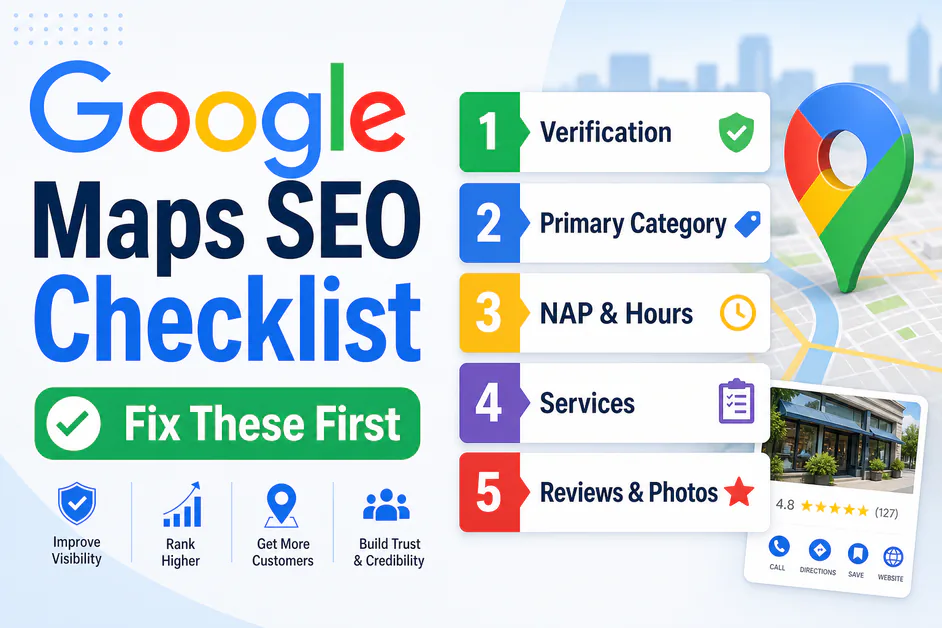
If time is tight, your Google Maps SEO checklist should not start with fancy posts. Fix this order first:
- Verification and duplicates
- Primary category
- NAP + hours
- Services
- Review reply + photo freshness
That sequence protects eligibility and relevance. Keep the same rows in your SOP so every strategist scores listings the same way. If the profile still will not show, see Google Business Profile not ranking.
Checklist vs automated audit — which do you need?
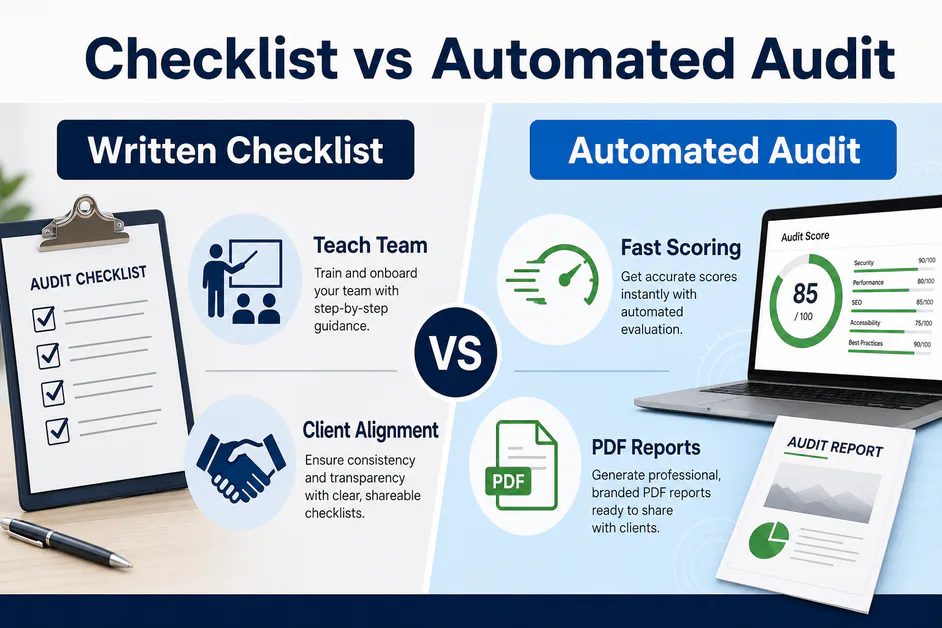
A written Google Business Profile SEO checklist is perfect for teaching juniors and aligning clients. An automated audit is better when you manage ten locations and need consistent scores every month.
Most high-performing teams use both: checklist for judgment, software for speed. Compare options in our roundup of the best Google Business Profile audit tools, or learn how PinAudit works.
Frequently asked questions
What is a Google Business Profile SEO checklist?
A Google Business Profile SEO checklist is a field-by-field plan for making your listing complete, accurate, and active. It covers the signals behind local pack relevance and prominence—not just pretty photos—and stays focused on the profile customers see on Search and Maps.
How do you score this Google Business Profile checklist?
Open the listing in Business Profile Manager and an incognito Maps view, then mark every section Done, Partial, or Missing. Assign owners for gaps and re-score in 30 days. This page is not a downloadable PDF. PinAudit shareable reports and PDF export on Starter and above are the client-ready version.
What should a Google Maps SEO checklist cover first?
Do not start with fancy posts. Fix verification and duplicates, primary category, NAP and hours, services, then review replies and photo freshness. That sequence protects eligibility and relevance—the foundation of any serious local SEO checklist for GBP.
Do you need a checklist or an automated audit?
A written Google Business Profile SEO checklist is perfect for teaching juniors and aligning clients. An automated audit is better when you manage many locations and need consistent scores every month. Most high-performing teams use both.
What are the core sections of a GBP SEO checklist?
Use about eight core sections—claim and verify, NAP and map pin, categories, services and attributes, photos, posts, reviews, and Q&A—then mark each item done, partial, or missing and fix critical gaps before vanity edits.
Final thoughts
Keep the scorecard short enough to finish and strict enough to repeat. Tick the eight sections, keep the same rows month to month, and re-measure Maps visibility. A repeated scorecard beats a one-off optimization day.
PinAudit — Google Business Profile audit software for freelancers, consultants, and agencies.
Email: support@pinaudit.com
Web: pinaudit.com · App: app.pinaudit.com
Contact the PinAudit team · Start a free audit · Pricing
Tags: Google Business Profile SEO checklist · GBP SEO checklist · GBP scorecard · Google Maps SEO checklist · local SEO checklist