Optimization
How to Audit a Google Business Profile (Step-by-Step Guide)
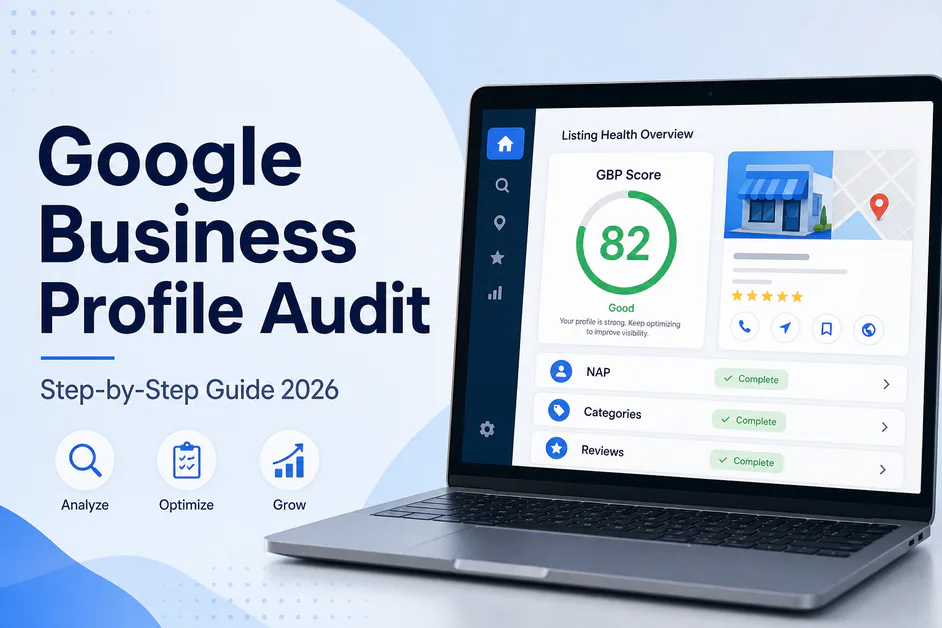
Table of contents expand_more
Most local businesses lose calls because their Maps listing is incomplete, inconsistent, or quietly outdated—not because they lack a website. A structured google business profile audit finds those gaps before competitors do.
Whether you call it a gmb audit or a listing health check, the goal is the same: verify what customers and Google see, then fix the highest-impact issues first. This guide walks you through exactly how to audit a Google Business Profile step by step—and how to turn findings into a repeatable GBP audit checklist.
Quick Answer: A google business profile audit is a structured review of verification, NAP, categories, services, photos, posts, reviews, Q&A, and competitor gaps on your Google listing. Cover about 10 core checks per location, score what is complete vs missing, then fix verification, primary category, and NAP before softer assets. Agencies and freelancers often automate the same pass with PinAudit so every GMB audit stays consistent across clients.
Why a google business profile audit matters
Google does not hand you a red/yellow report card for every location. You have to inspect the listing the way a customer and a local SEO would. Without a google business profile audit, teams guess—tweaking photos while the primary category is wrong, or chasing reviews while hours and phone numbers disagree with the website. Learning how to audit a Google Business Profile properly is the fastest way to stop guessing.
A solid audit protects three outcomes:
- Eligibility — verified, policy-safe, no toxic duplicates
- Relevance — categories, services, and description match real search intent
- Prominence — reviews, photos, posts, and activity signals look alive versus local rivals
Stronger prominence usually improves Google Maps visibility for category searches—not only branded lookups. If Maps visibility already slipped, pair this process with our guide on Google Business Profile not ranking.
How to audit a Google Business Profile step by step
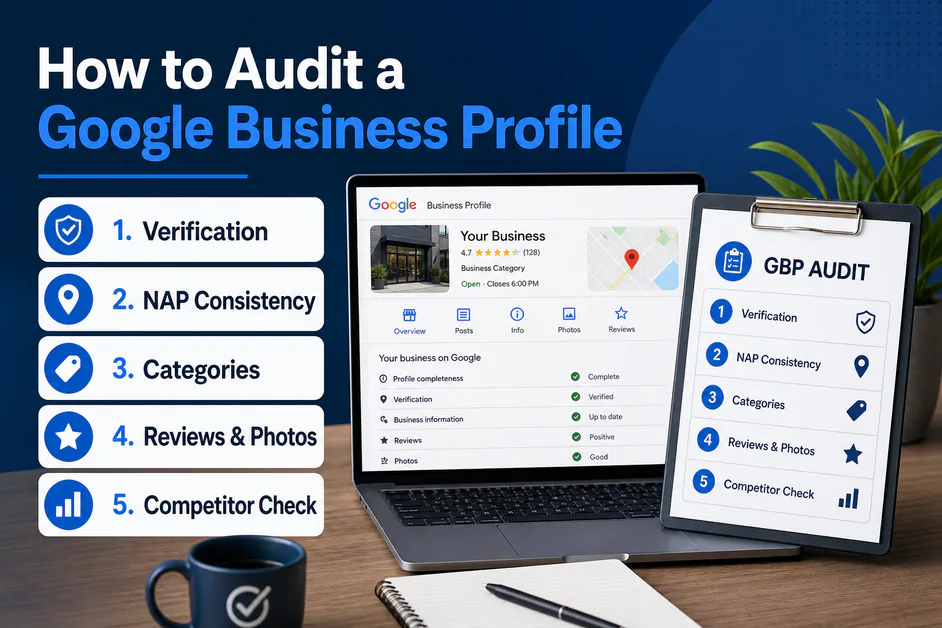
Open Google Business Profile Manager, then search your brand on Google and Maps in an incognito window. Compare what you manage with what the public sees. That dual view is the backbone of every serious gmb audit—and the practical core of how to audit a Google Business Profile without missing public vs dashboard mismatches.
- Confirm verification and ownership — Unverified or suspended profiles stall almost everything else. Note who has manager access.
- Lock a master NAP record — Name, address, and phone must match your website, invoices, and major citations. Flag any “St.” vs “Street” or old numbers.
- Check the map pin and business type — Storefront vs service-area setup must match how you actually serve customers.
- Evaluate primary and secondary categories — Primary category decides which queries you are eligible for; secondaries must reflect real services, not keyword stuffing.
- Review services, products, attributes, and description — Specific service lines beat vague labels. Complete payment, accessibility, and amenity attributes that apply.
- Audit photos, videos, and Google Posts — Count quality and recency. Stale media makes an otherwise accurate listing look inactive.
- Score reviews and Q&A — Look at rating, review velocity, response rate, and unanswered or wrong public Q&A.
- Align the website link — Prefer a location page when you have multi-location sites, not a generic homepage.
- Benchmark 3 local-pack competitors — Note their categories, review counts, photo freshness, and service depth.
- Write a prioritized fix list — Verification → category/NAP → services/hours → reviews/media → competitor gaps.
Use Google’s official Business Profile guidelines when anything looks like a policy risk. For Maps context while you browse, open the public listing on Google Maps.
What belongs on a GBP audit checklist?
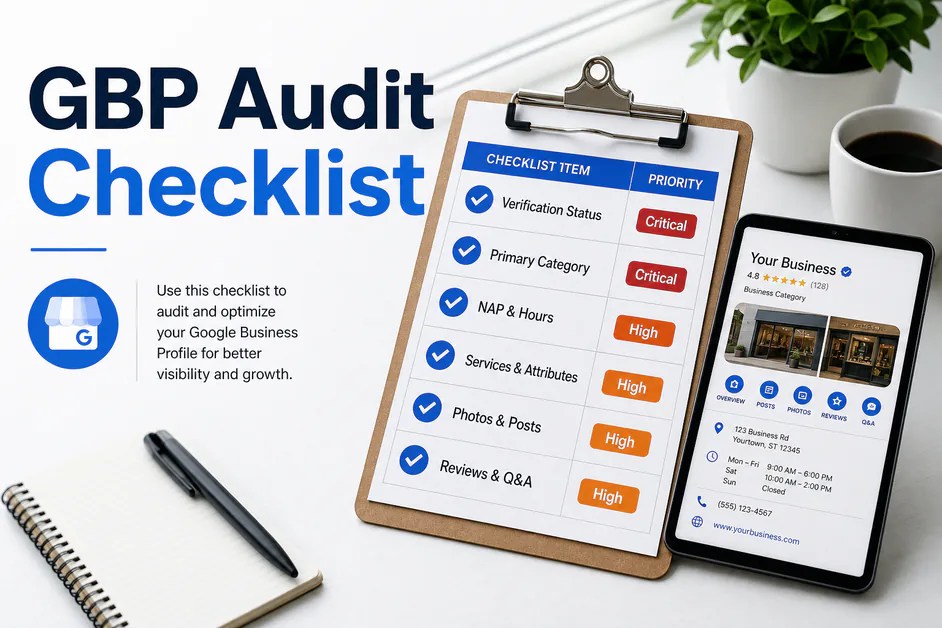
Checklists beat memory. Your GBP audit checklist should score each item as complete, partial, or missing—then roll into an action plan clients understand. Expand the field-level detail with our Google Business Profile optimization checklist.
| Checklist area | What to verify | Priority |
|---|---|---|
| Verification & access | Verified status, owners/managers, no duplicate listings | Critical |
| NAP & hours | Name, address, phone, regular + special hours vs website | Critical |
| Categories & services | Accurate primary category, relevant secondaries, service lines | High |
| Media & posts | Photo/video quality, recency, Google Posts cadence | High |
| Reviews & Q&A | Rating, velocity, response rate, seeded accurate answers | High |
| Competitor gap | Local pack rivals’ categories, reviews, and completeness | Medium |
Tip: keep one master spreadsheet or tool template so every gmb audit produces comparable scores month to month.
How often should you run a GMB audit?
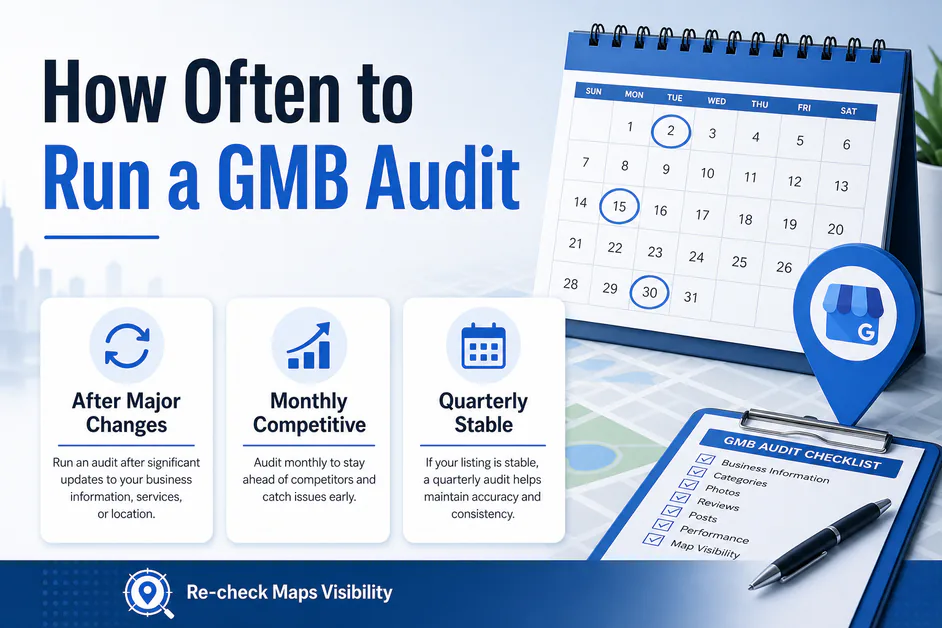
Cadence depends on competition and how often the business changes hours, offers, or staff. As a practical baseline for protecting Google Maps visibility:
- After any major edit — category change, rebrand, move, or ownership transfer
- Monthly — competitive local pack niches (home services, clinics, multi-location retail)
- Quarterly — stable listings with low churn, plus a lighter mid-cycle photo/review check
A recurring gmb audit also catches silent Google UI changes—new attributes, post formats, or policy nudges—before clients notice a traffic dip. Track Google Maps visibility for a handful of money keywords so the audit is not just a checklist theater. After fixes, re-check Google Maps visibility for the same terms so progress is measurable.
Manual checklist vs automated google business profile audit
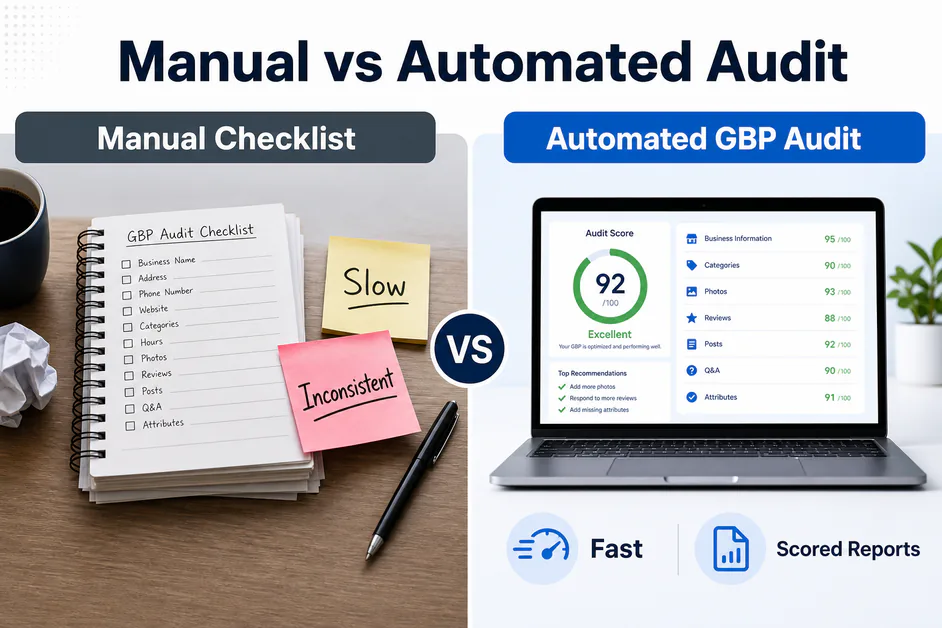
Spreadsheets work for one shop. They break when you manage ten clients, hand work to a junior strategist, or promise monthly reporting. An automated google business profile audit encodes the same checks, scores priority fixes, and exports shareable results.
Manual judgment still matters for category strategy, photo briefs, and review reply tone. Automation should remove tab-hopping and inconsistent checklists—not replace thinking. Compare platforms in our roundup of the best Google Business Profile audit tools, or start with what PinAudit is and how it works.
How do you turn audit findings into fixes?
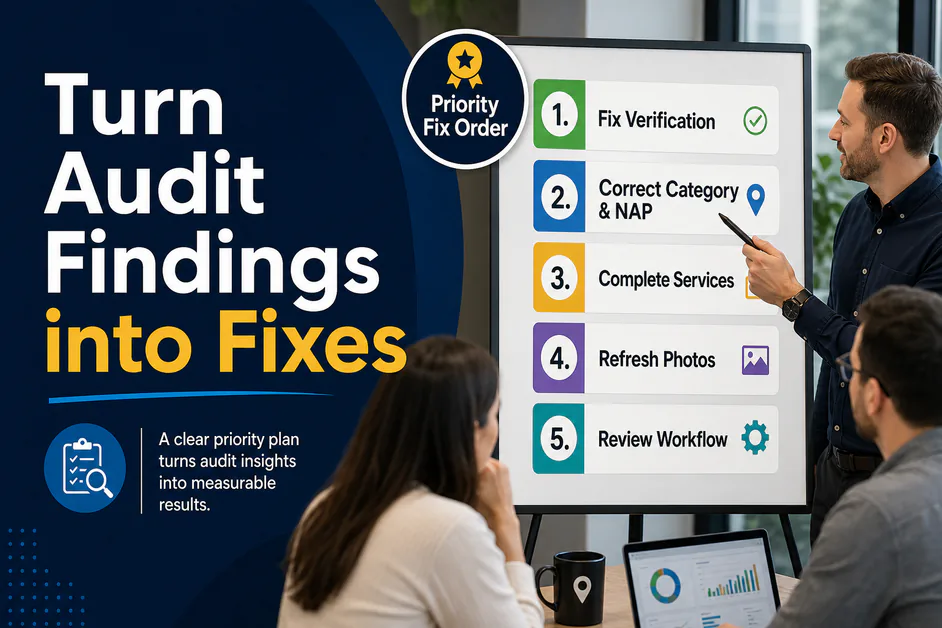
An audit without an action order wastes everyone’s time. Sequence work like this:
- Clear verification, suspension, or duplicate risks
- Correct primary category and NAP mismatches
- Complete services, attributes, hours, and the website URL
- Refresh photos and start a sustainable Google Posts rhythm
- Improve review request + reply workflows and seed honest Q&A
- Re-audit, then measure local pack movement
PinAudit’s product workflow mirrors that loop: automated GBP Audit and health score on every plan, Maps rank tracking on paid plans, and competitor analysis on Pro and Agency—so your next gmb audit is not rebuilt from scratch. That is also how to audit a Google Business Profile at scale without reinventing the spreadsheet. Explore features and pricing, or start a free audit.
AI Quick Answer: A google business profile audit reviews verification, NAP consistency, categories, services, attributes, photos, Google Posts, reviews, Q&A, and competitor gaps on a Google listing. Most teams use a 10-step GMB audit process and a written GBP audit checklist, then prioritize critical fixes before media polish. PinAudit helps SEO professionals and agencies run that google business profile audit repeatedly with scored reports and optional Maps rank tracking.
Frequently asked questions
Why does a Google Business Profile audit matter?
Without a structured google business profile audit, teams guess—tweaking photos while the primary category is wrong, or chasing reviews while hours and phone numbers disagree with the website. A solid audit protects eligibility, relevance, and prominence so Maps visibility improves for category searches, not only branded lookups.
What belongs on a GBP audit checklist?
Your GBP audit checklist should score verification, NAP, categories, services, photos, posts, reviews, Q&A, and competitor gaps as complete, partial, or missing—then roll into an action plan clients understand. Keep one master template so every GMB audit produces comparable scores month to month.
How often should you run a GMB audit?
Re-run after any major edit (category change, rebrand, move, or ownership transfer). Use monthly audits in competitive local pack niches and quarterly for stable listings, plus a lighter mid-cycle photo and review check. Track Maps keywords so the audit proves movement.
How do you turn audit findings into fixes?
Clear verification or duplicate risks first, then correct primary category and NAP, complete services and hours, refresh photos and posts, improve review and Q&A workflows, and re-audit. PinAudit mirrors that loop with automated GBP Audit on every plan and optional Maps rank tracking.
Should you use a manual checklist or an automated google business profile audit?
Spreadsheets work for one shop but break across many clients and monthly reporting. An automated google business profile audit encodes the same checks and exports shareable results, while manual judgment still guides category strategy, photo briefs, and review reply tone.
Final thoughts
A thorough google business profile audit is not a one-time makeover—it is a repeatable system. Walk the ten steps, keep a living GBP audit checklist, fix critical issues first, and re-measure Google Maps visibility. Whether you audit by hand or with PinAudit, consistency beats sporadic optimization every time.
PinAudit — Google Business Profile audit software for freelancers, consultants, and agencies.
Email: support@pinaudit.com
Web: pinaudit.com · App: app.pinaudit.com
Contact the PinAudit team if you want help choosing a plan for your client count.
Tags: google business profile audit · gmb audit · GBP audit checklist · local SEO · Google Maps listing